Organisation Module
Existing Organisation or Create New Organisation Account
Admin
Role: Admin
Login to Avalon and Access Organisation Menu
If the client exists, search for the client accordingly and click on the ID link to open the organization detail profile.
If the client is new, proceed to create a client account.
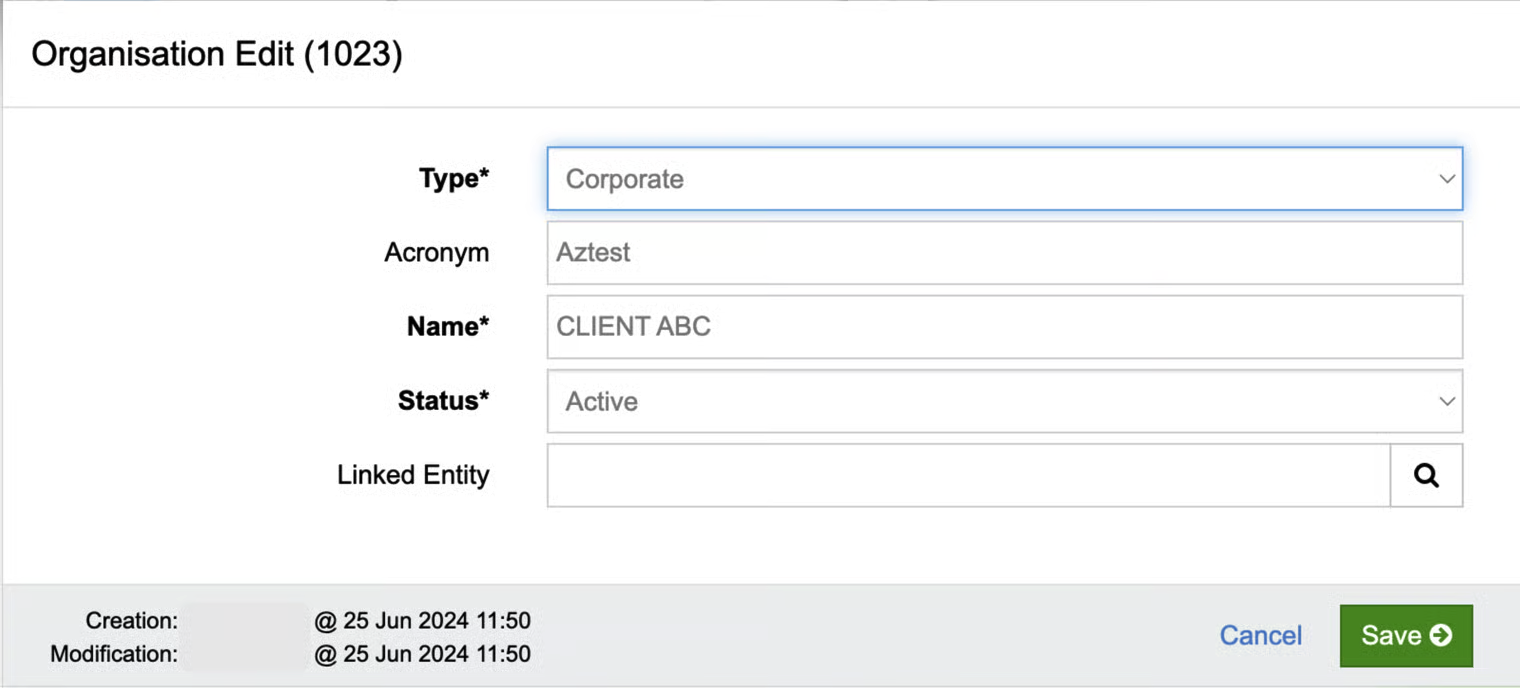
Click the tools (setting) icon in the Organisation menu, select +New to create a new client (organization) account, and verify that the Client Account form is displayed.
Fill out the form and click the save button.
Click on the ID link to open the organization detail profile.
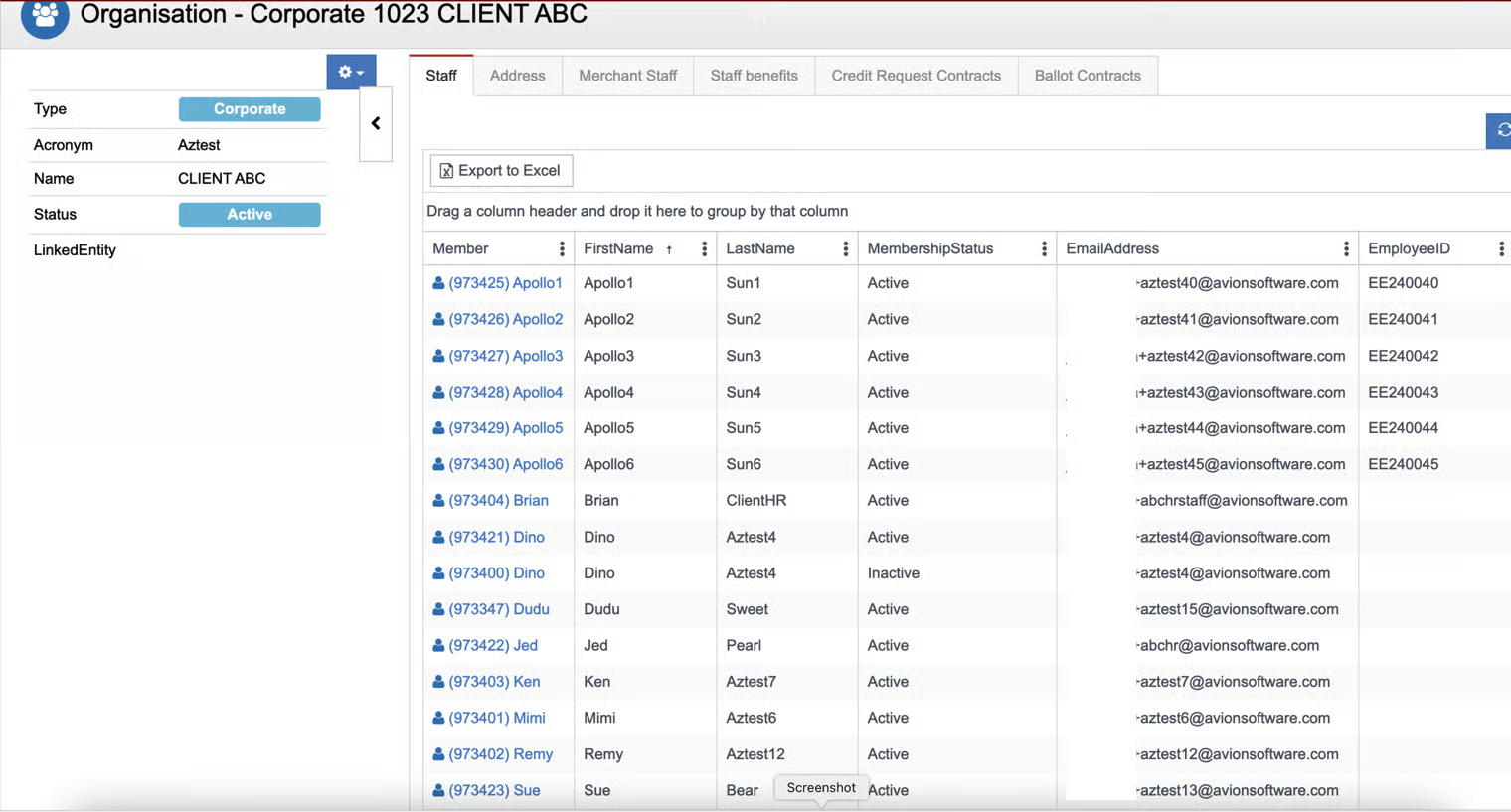
To add employees to the Staff section, the admin has the option to update membership (of the organization) in each of the employee's profiles or perform a bulk upload.
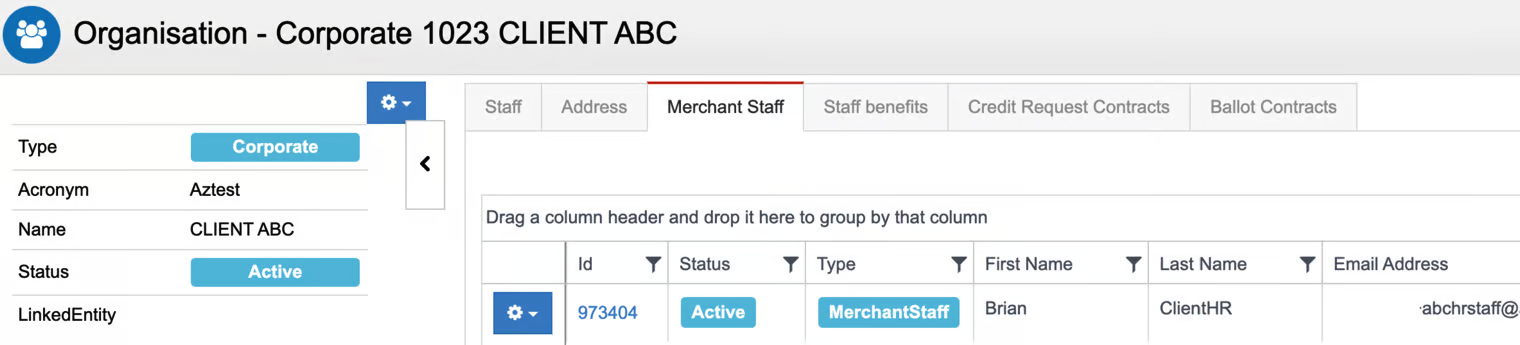
Create a client HR profile in the Merchant Staff section. This profile will have access to the client's B2B portal.
Organisation
Organisation Module
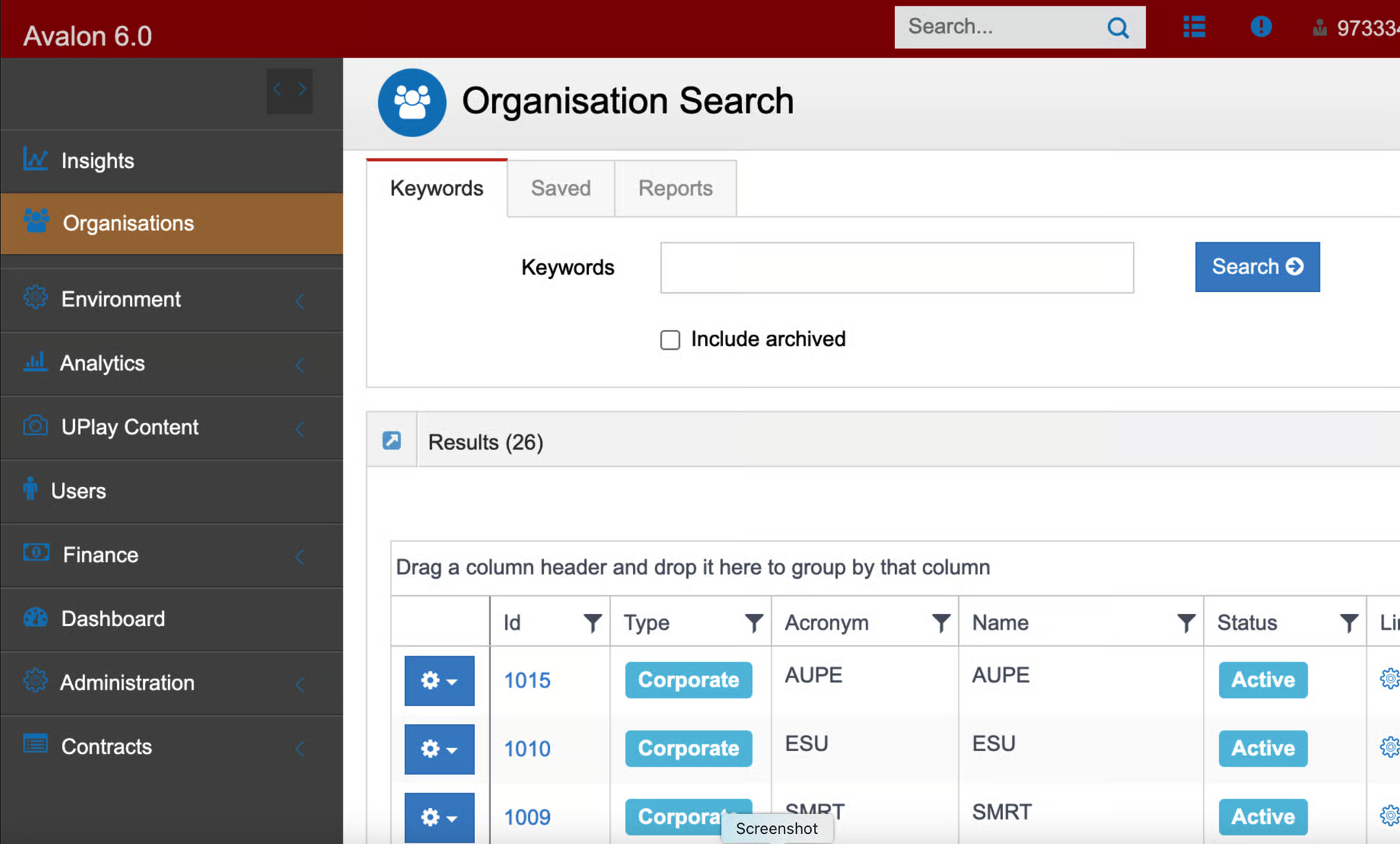
Create Organisation
Create New Organization Form (Organisation Edit)
Staff
Staff Tab (After a membership is added to individual profile or bulk upload process)
Merchant Staff
Merchant Staff Tab