Guide Overview
Before you start
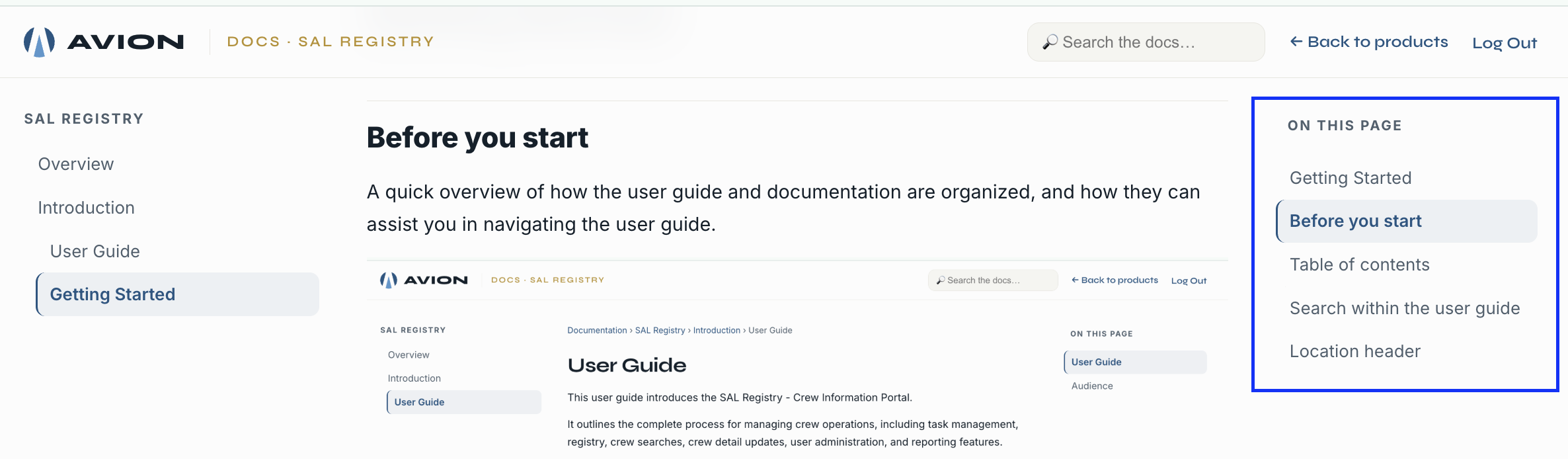
A quick overview of how the user guide and documentation are organized, and how they can assist you in navigating the user guide.
replace this image
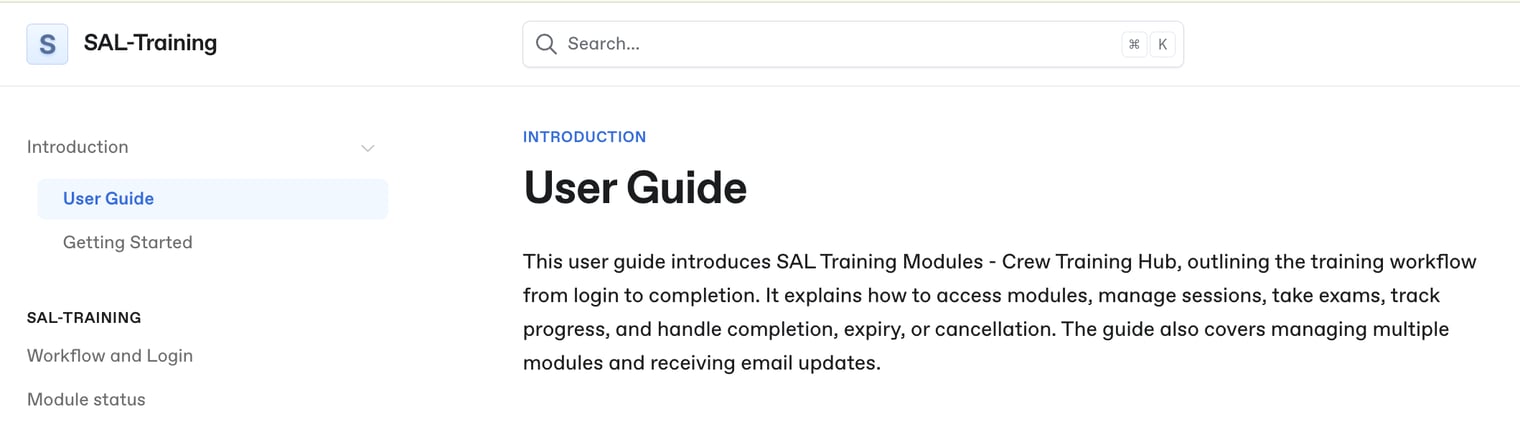
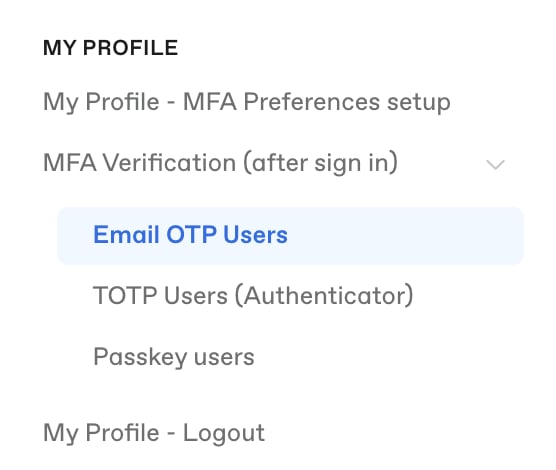
Table of contents
The table of contents is on the left side of the user guide. Contents are organized based on the training workflow in the training hub. To view each item, click on its name.
to replace this image
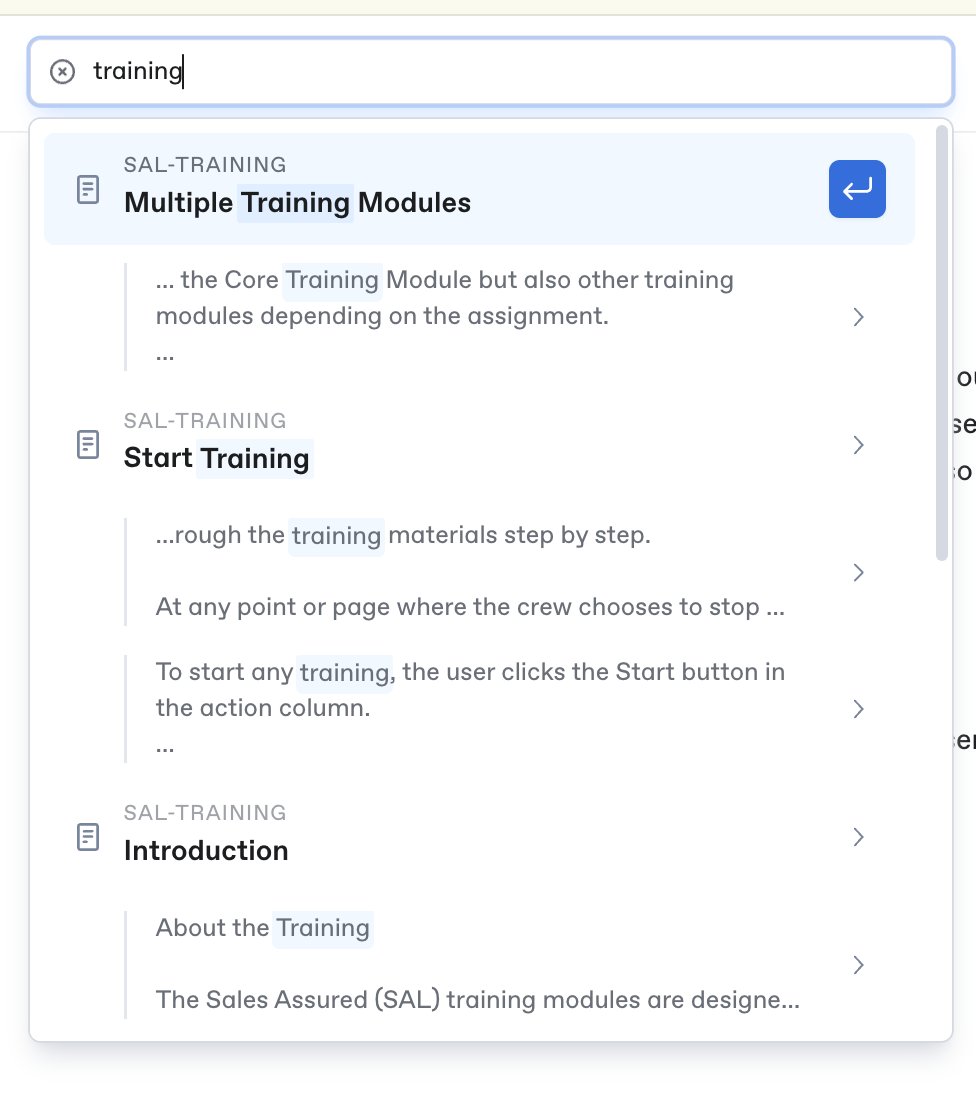
Search within the user guide
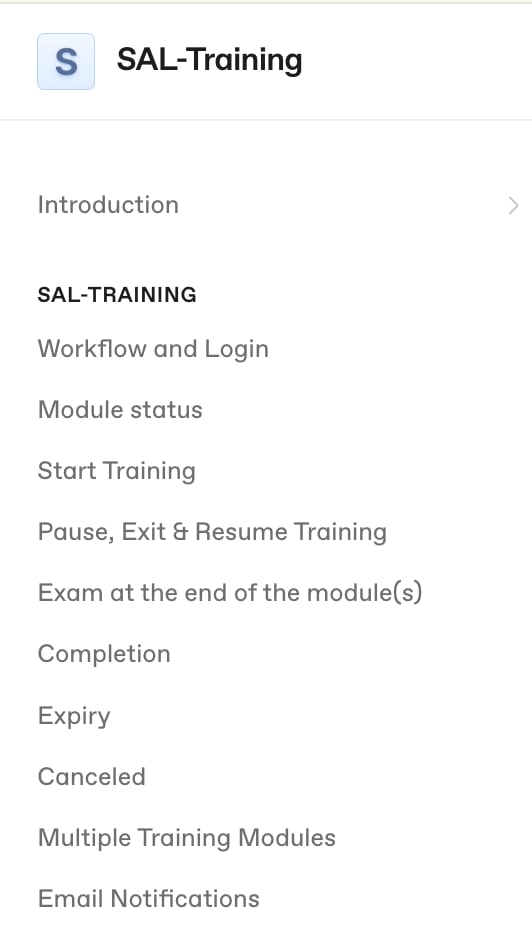
You can also use the search function in the user guide, located in the top-right corner.
You can enter specific words or phrases to make it easier to find what you're looking for. Any article matching the keywords will appear in the search results. You can click on an article title to go directly to that article.
to replace these images
Location header
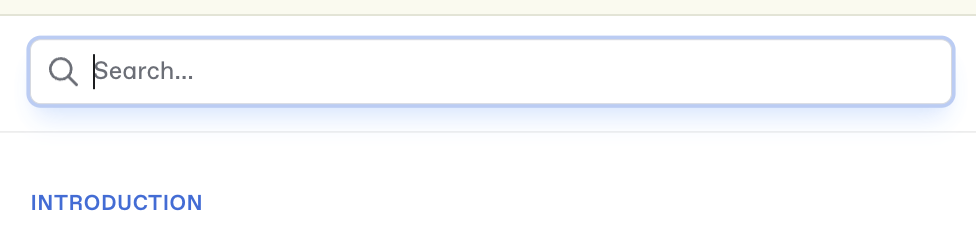
Located above the menu title, it shows the article's position within the user guide.
to replace this image
Page outline ('On This Page')
The page outline, which refers to 'ON THIS PAGE', is located on the right side of the user guide. Its purpose is to help users read more easily by allowing them to click on the links to jump directly to the relevant sections within the article.
to replace this image