How to Add an Authenticator App
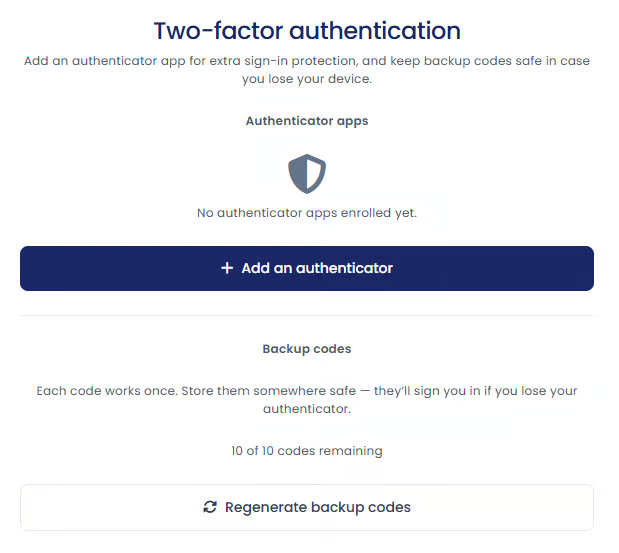
Step 1. Open Two-Factor Authentication Settings
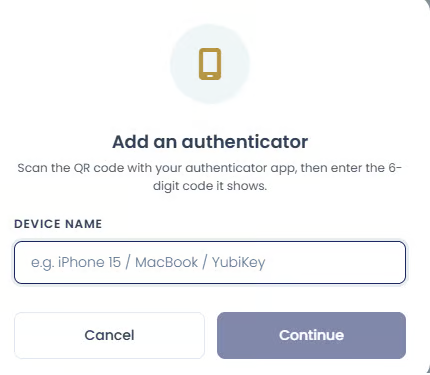
Step 2. Enter an Authenticator Name
iPhone 15 Google Authenticator
Step 3. Register the Authenticator App
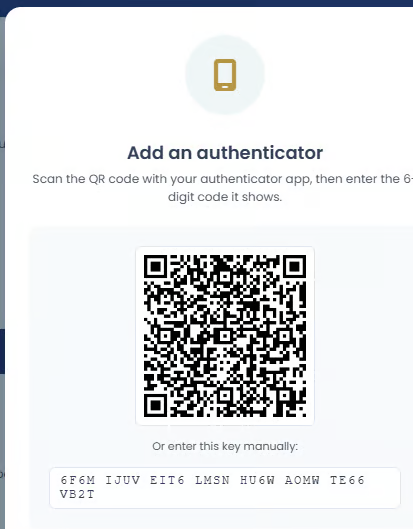
Open your authenticator app and use the option to add a new account or scan a QR code.
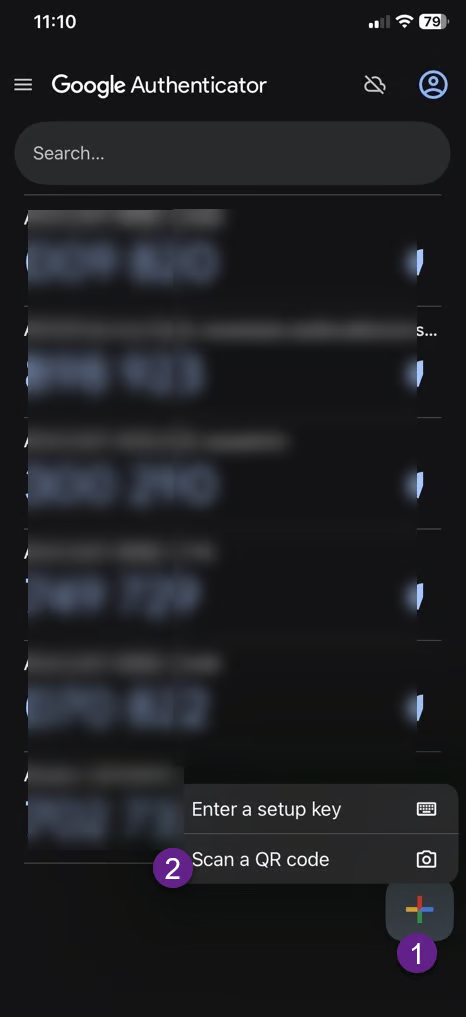
Scanning the QR code automatically registers your account in the app.
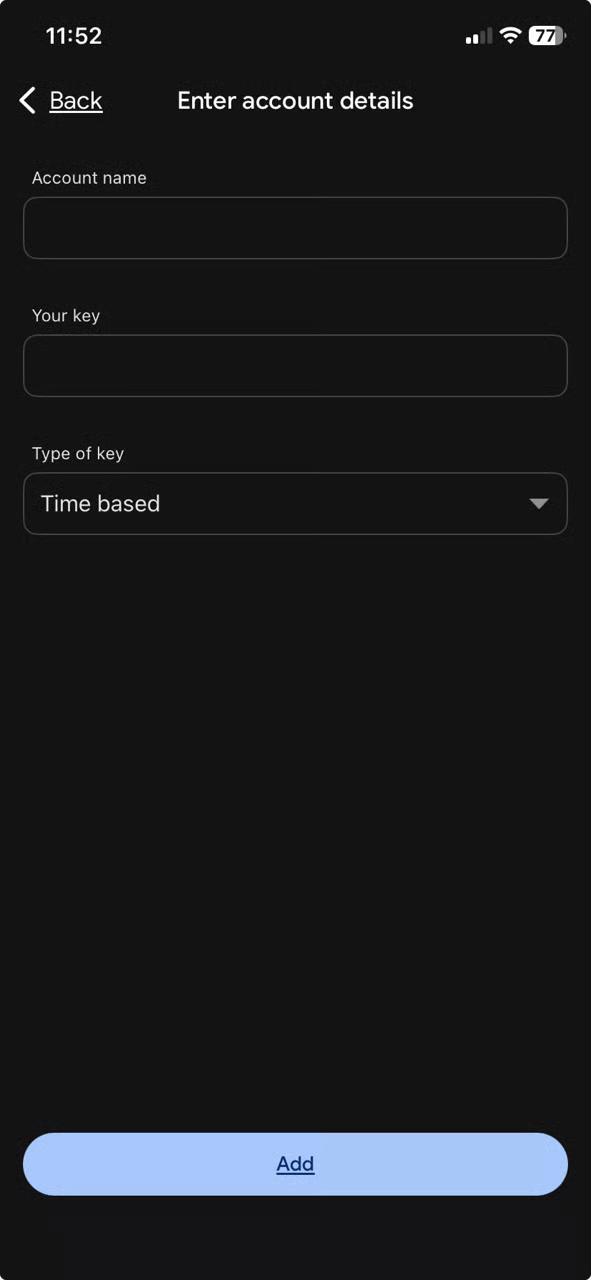
This registers the account in the same way as scanning the QR code.
Step 4. Verify the Authenticator
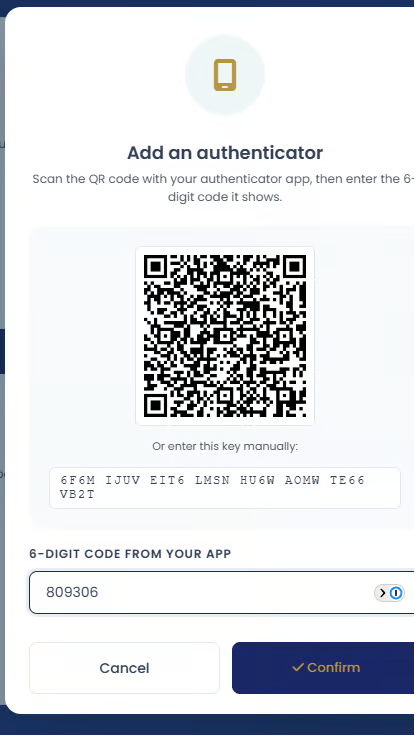
This confirms that the authenticator app was successfully connected to your account.
Backup Codes
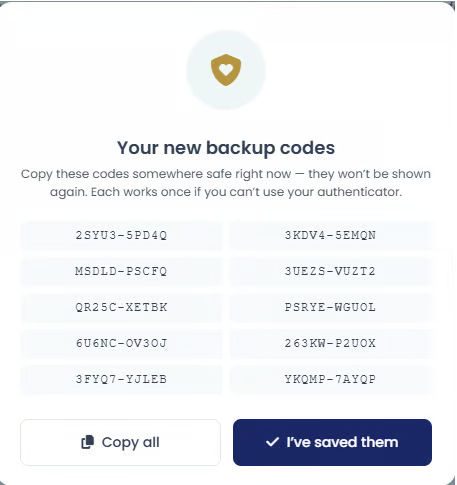
you lose access to your phone,
your authenticator app is unavailable,
or you cannot receive authentication codes normally.
store backup codes in a safe place,
avoid sharing them,
and keep them separate from your primary device if possible.
Regenerating Backup Codes

the previous backup codes become invalid,
and only the newly generated codes can be used.
you believe your backup codes were exposed,
you misplaced them,
or you simply want a fresh set of codes for security reasons.