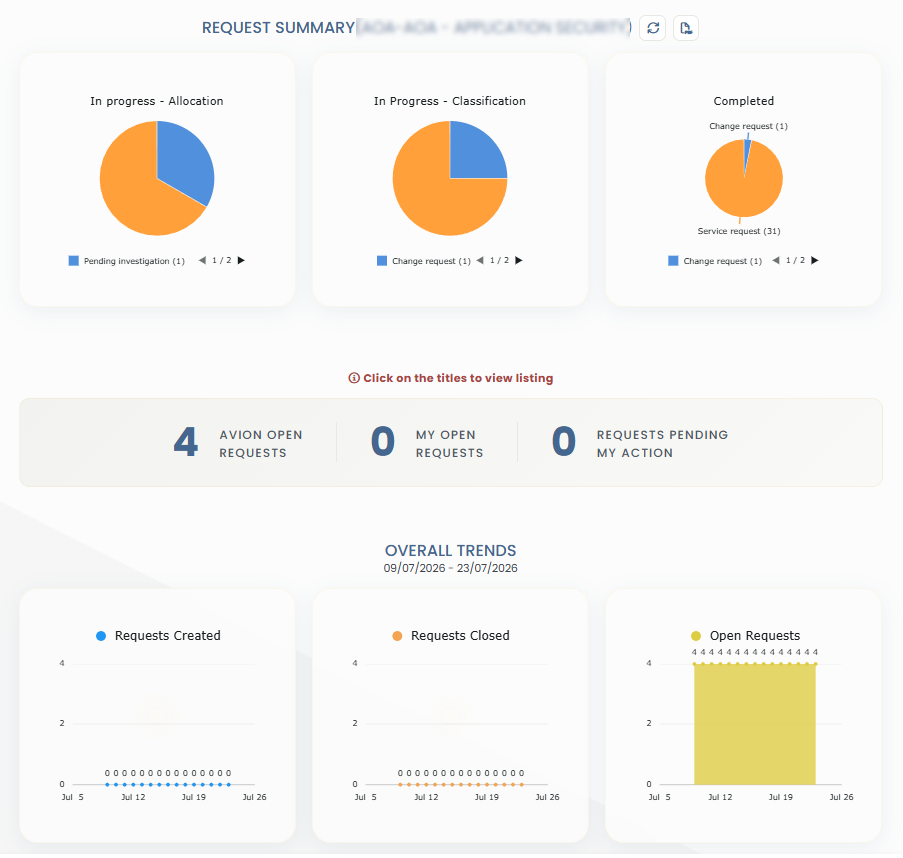
Service Desk Overview
Welcome to Avion Service Desk or ASD.
How to create and manage Service Requests.
How to set up and use Boards for organizing tasks.
How to update and personalize your User Profile.
Getting started
This guide offers insights into the structure and layout of Avion Service Desk (ASD),
providing new users with a clear understanding of how to work with the Avion Service Desk.
Before you start
User account To access ASD, users must create an account. Alternatively, they can ask a colleague with an existing account to submit a request on their behalf. After successful registration, users will receive a welcome email with their login credentials.
Project lanes Users participating in projects through ASD are categorized into specific project lanes. An user may belong to single or multiple project lanes. When requesting a user account, please specify the project(s) to which the user should be assigned.
Navigation
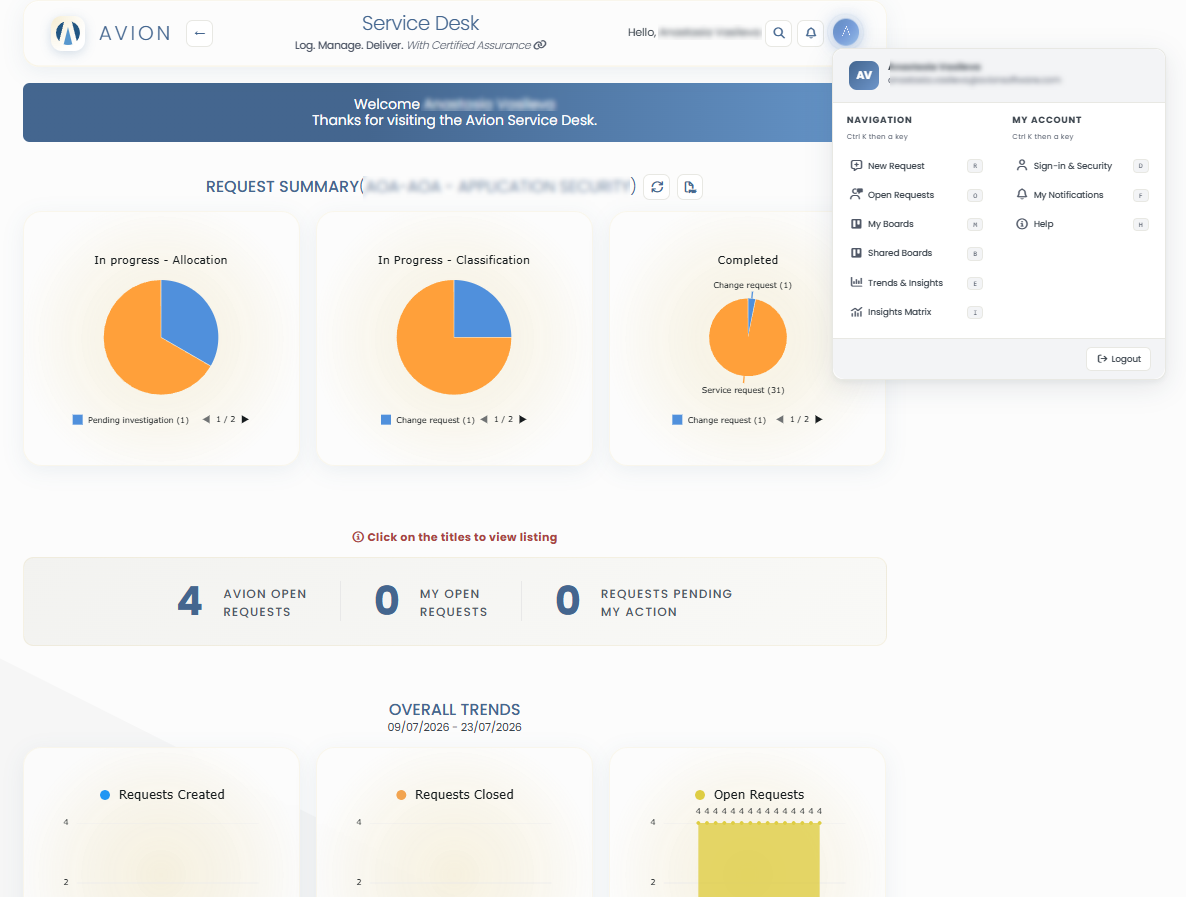
Top Section
This section contains navigation options.
Profile Icon
(a) My Details
SignIn & Security
My Notifications
Help
New Request
Open Requests
My Boards
Shared Boards
Trends & Insights
Insights Matrix
2. Quick Search
3. My Notifications
Middle section - Request Summary