Documentation ›
Avion Service Desk ›
Create new request
To create a Service Desk request, the user can either navigate to Account Icon Menu >Select New Request from the menu
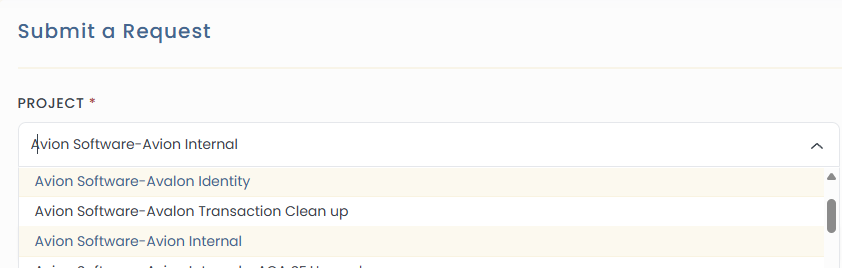
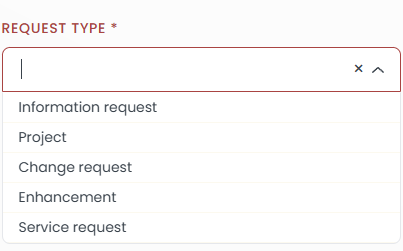
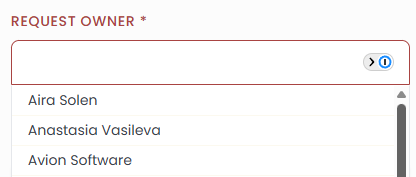
To submit the request, the following required fields must be completed:
Project Lane
Ticket Subject

Ticket Details

Request Type
Request Owner
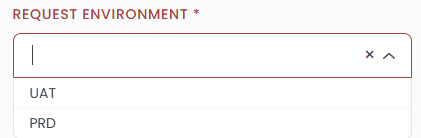
Request Environment
Additionally, the user can:
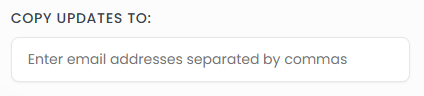
Enter email addresses to CC others on request updates
Attach files relevant to the request