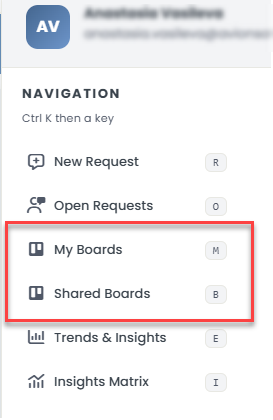
Users can access all their personal boards, as well as any boards shared with them. Boards can be accessed via the Navigation menu under the user icon in the top right corner.
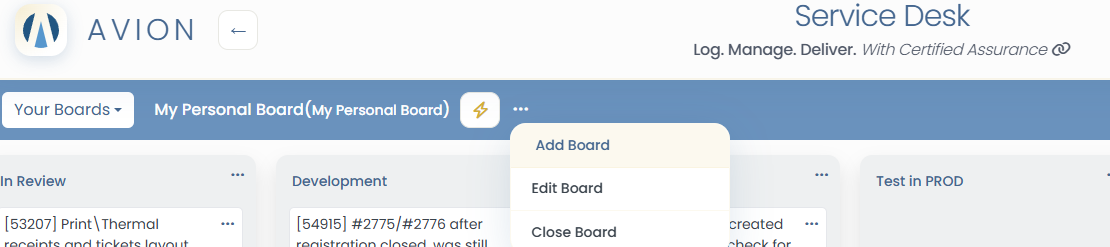
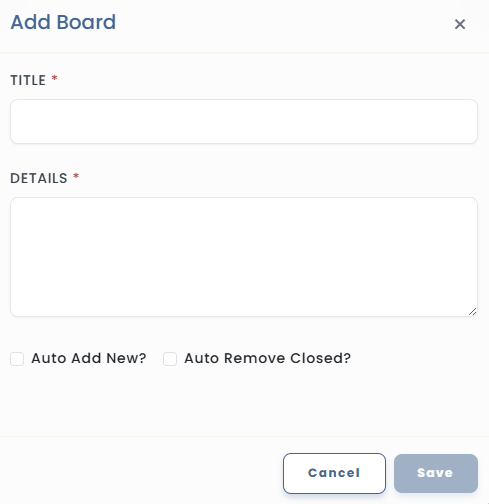
Auto Add New - Checking this box will add all new tickets from projects where the user is a member to the "New Requests" list on this board.
Auto Remove New - Selecting this option will auto remove all previously added tickets from the board, upon them being marked as solved .
Add lists to organize request
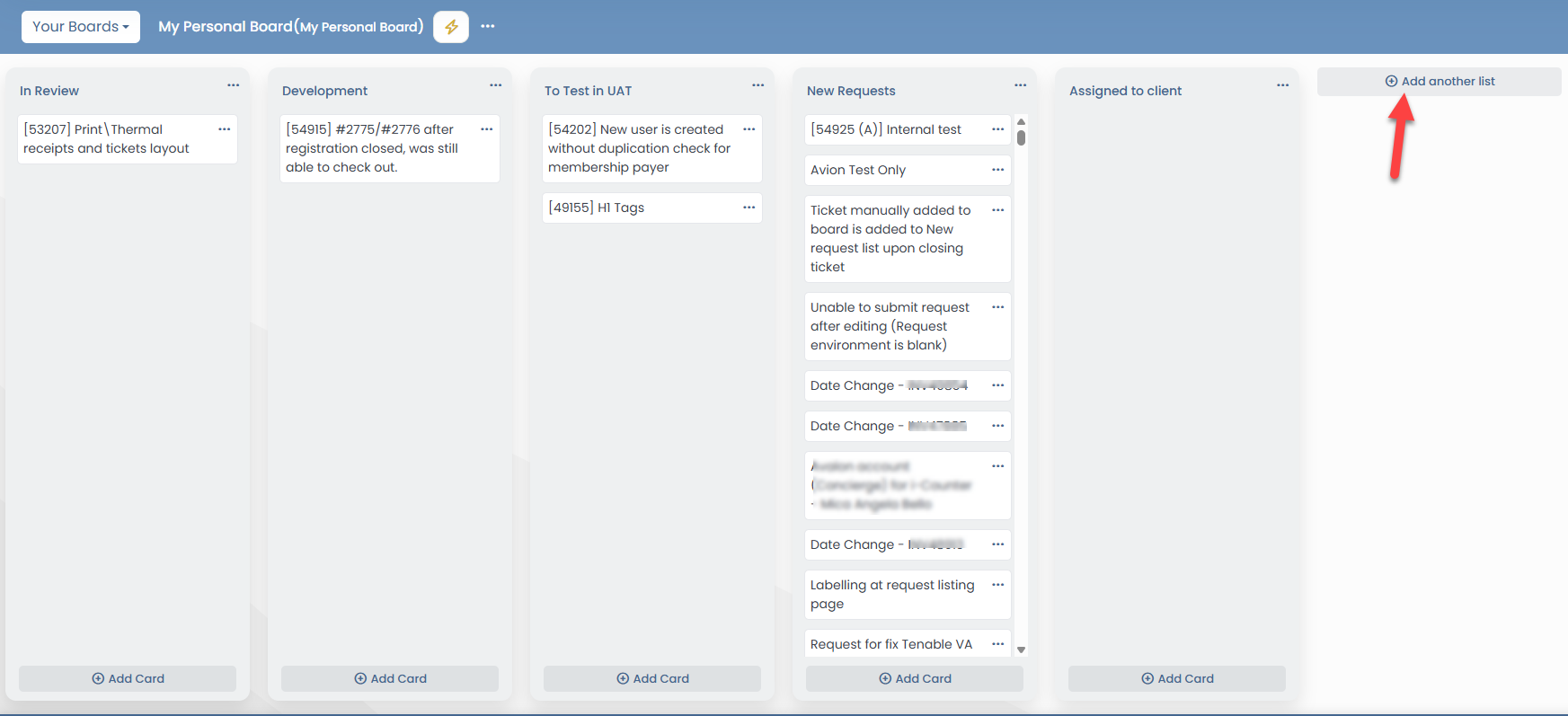
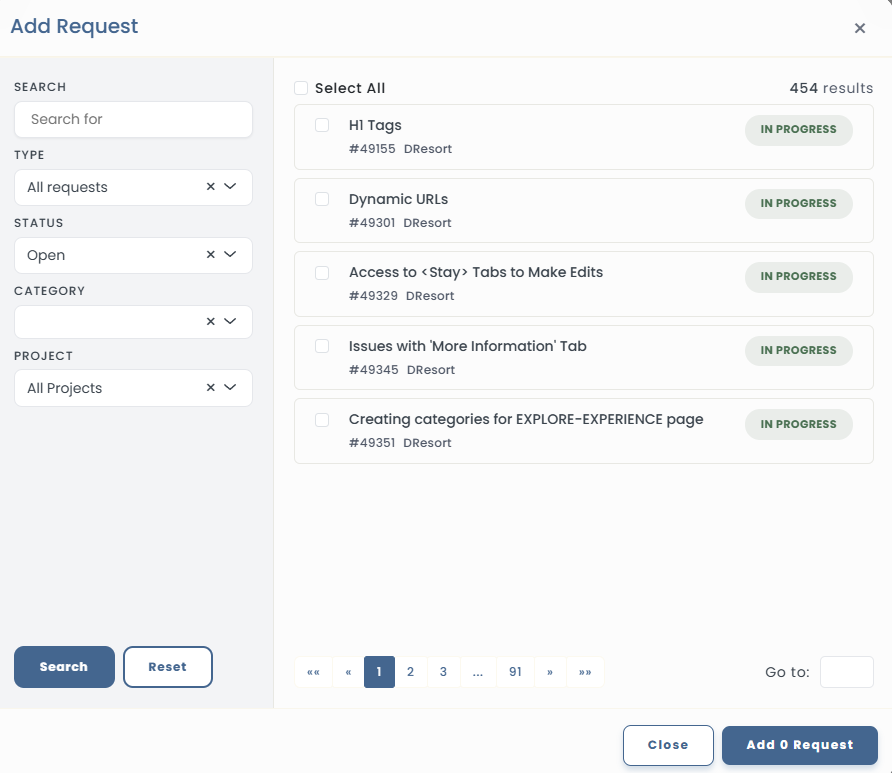
Add cards to each list by searching for requests using filters such as:
Keyword
Request Type
Request Status
Request Category
Project Lane
Select one or multiple requests to add to a list on the board
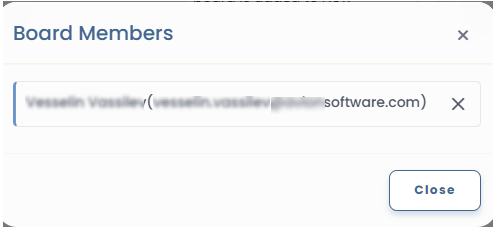
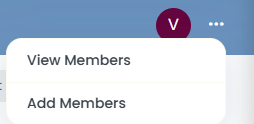
Boards can also be shared with other users by clicking the Add button located at the top right corner of the board interface.
Added board members can also been removed by clicking on the X button, and then clicking on the Confirm button.