Documentation ›
Avion Service Desk ›
Advanced search
List of requests
Users can view all open Service Desk requests through multiple access points:
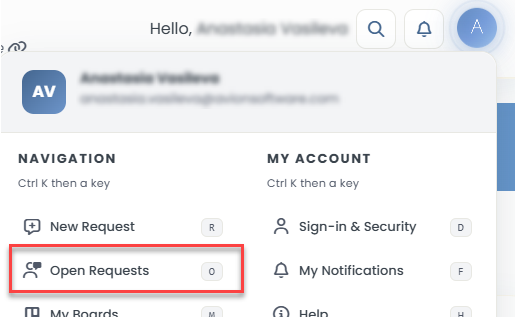
By navigating to User Account icon in the top right corner -> Open Requests
Clicking on the total number of organization requests displayed on the dashboard.

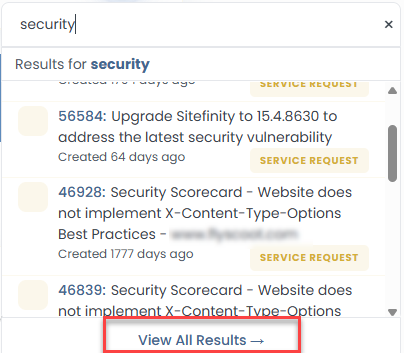
By clicking on the View All Requests from the quick search popup window
Advanced Search for request
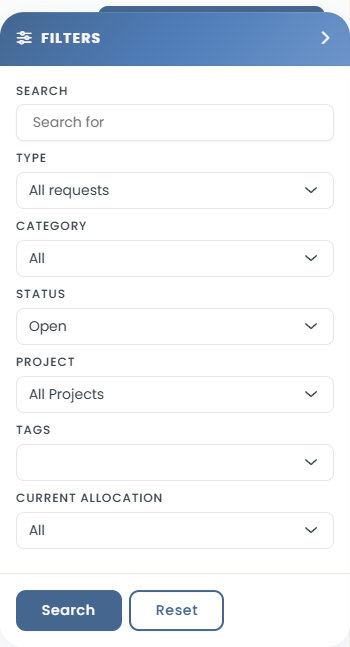
To search or filter Service Desk requests, users can utilize any of following search conditions.
Enter a keyword
Select a Request Type
Choose a Request Category
Filter by Request Status, Project Lane, Request Tag, or Current Allocation
Search results will appear underneath the search conditions.
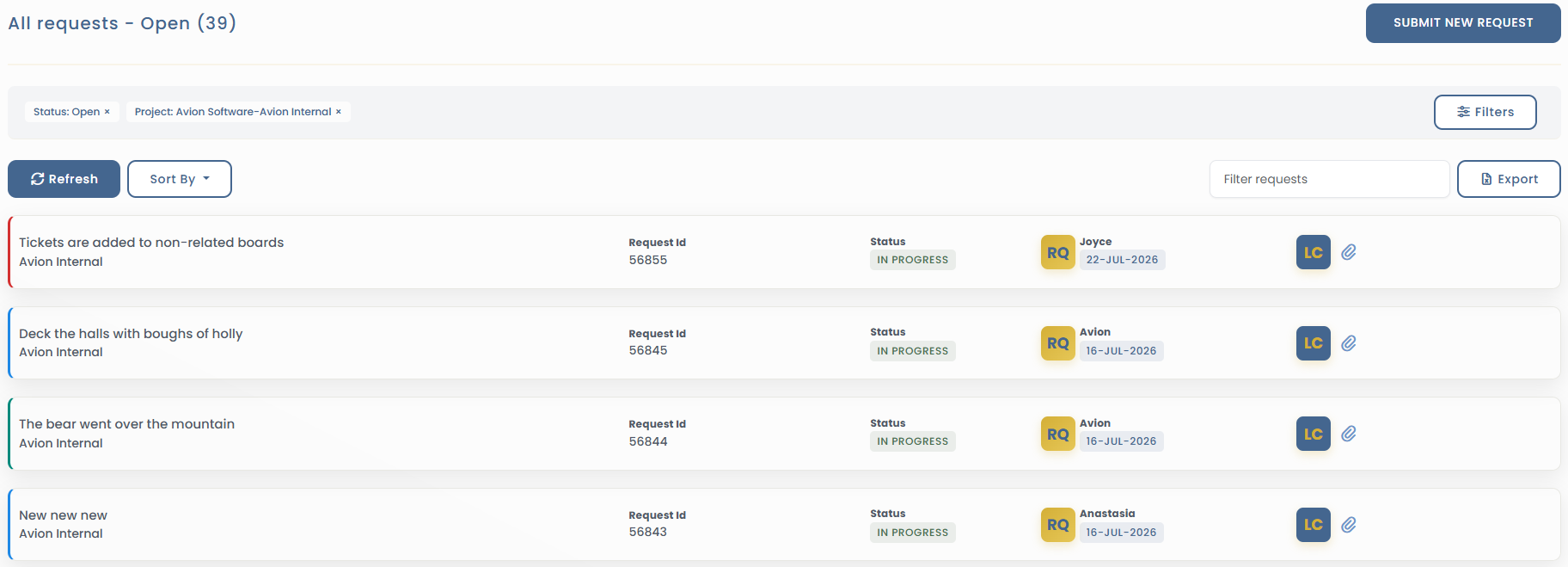
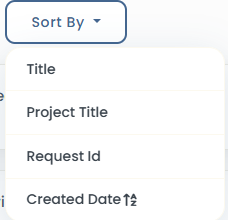
Tickets can be sorted by
To view the request contents, click on the request.