Completion
On the last page of the module (the final question page), the action button is labeled ‘Save & Finish’.
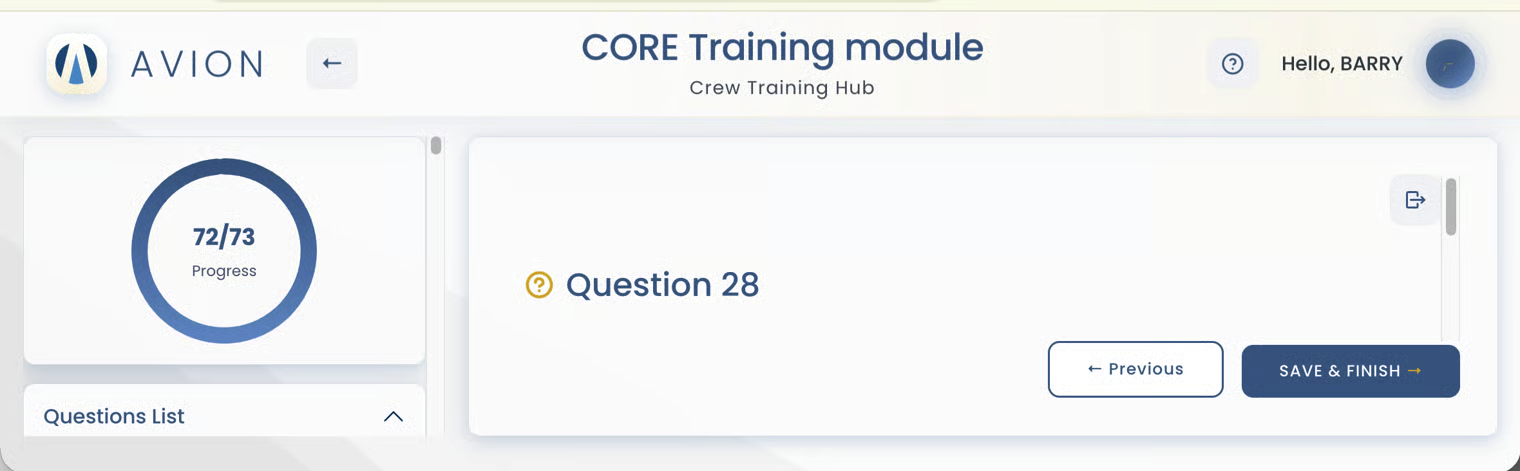
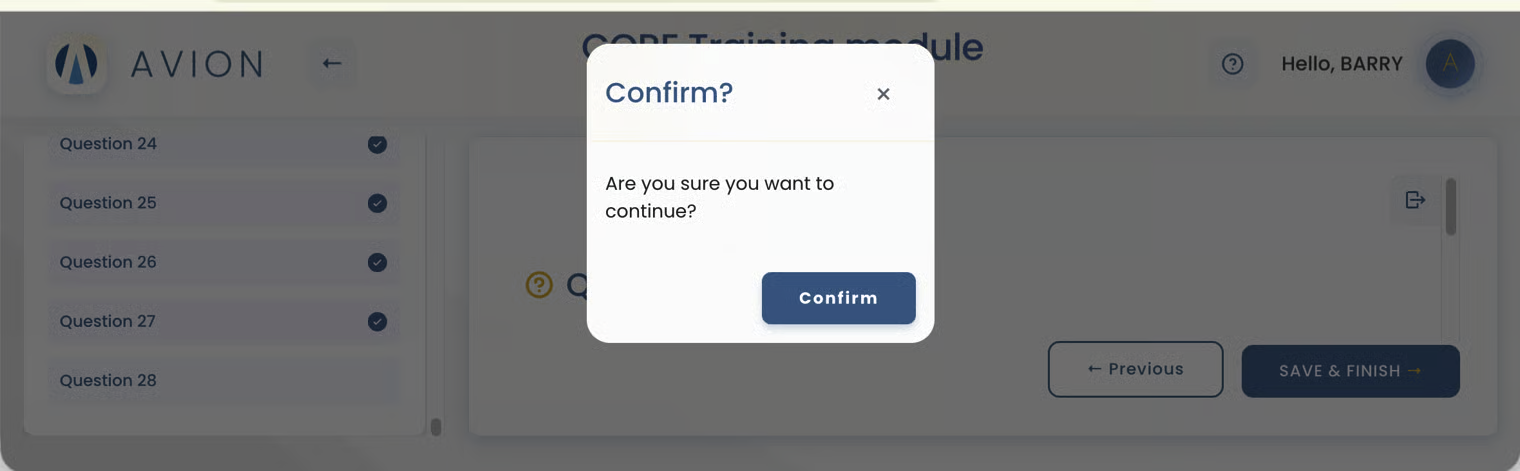
When the crew clicks this button, a confirmation pop-up window appears.
Click Confirm -> A message appears confirming the survey was submitted successfully
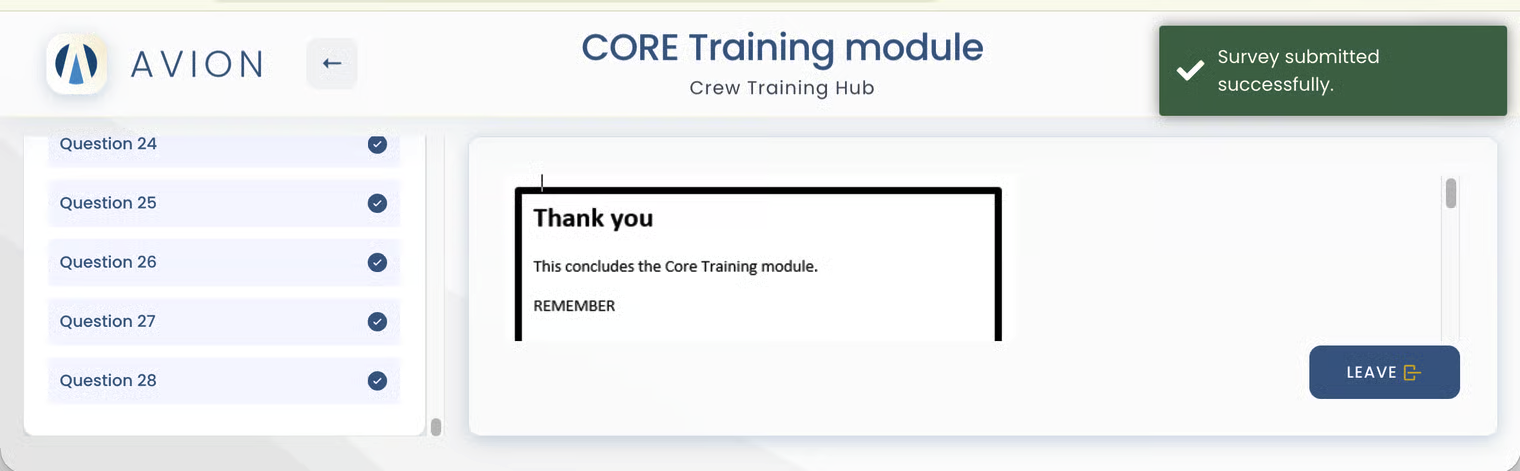
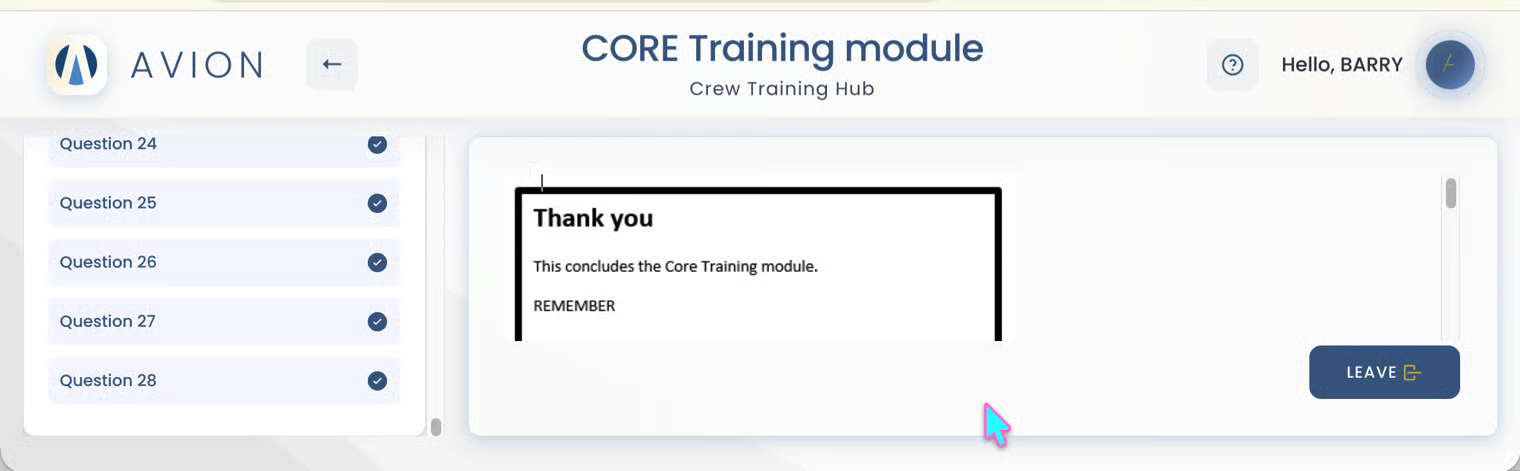
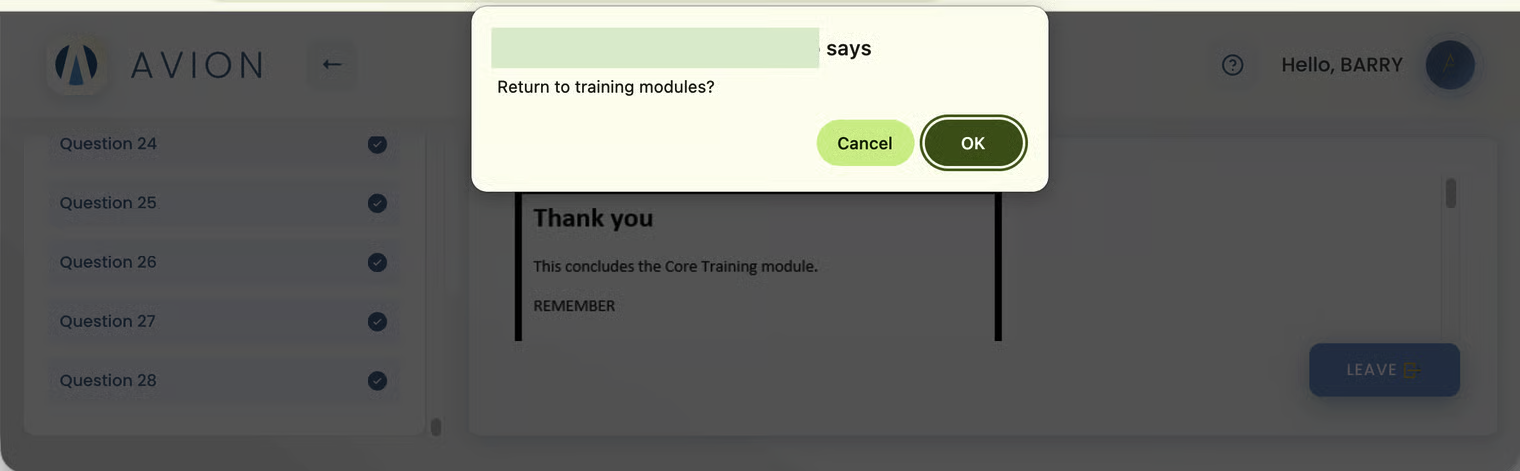
Click the 'Leave' button to go back to the training modules.
Click 'OK' to confirm return to training modules
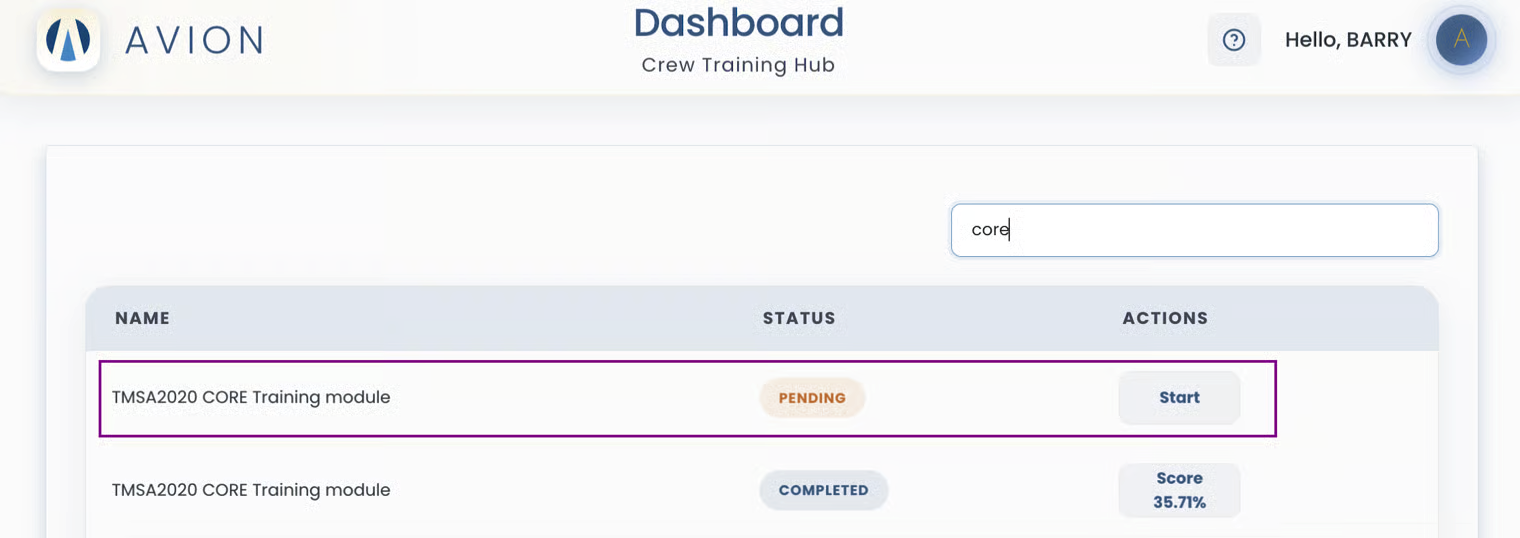
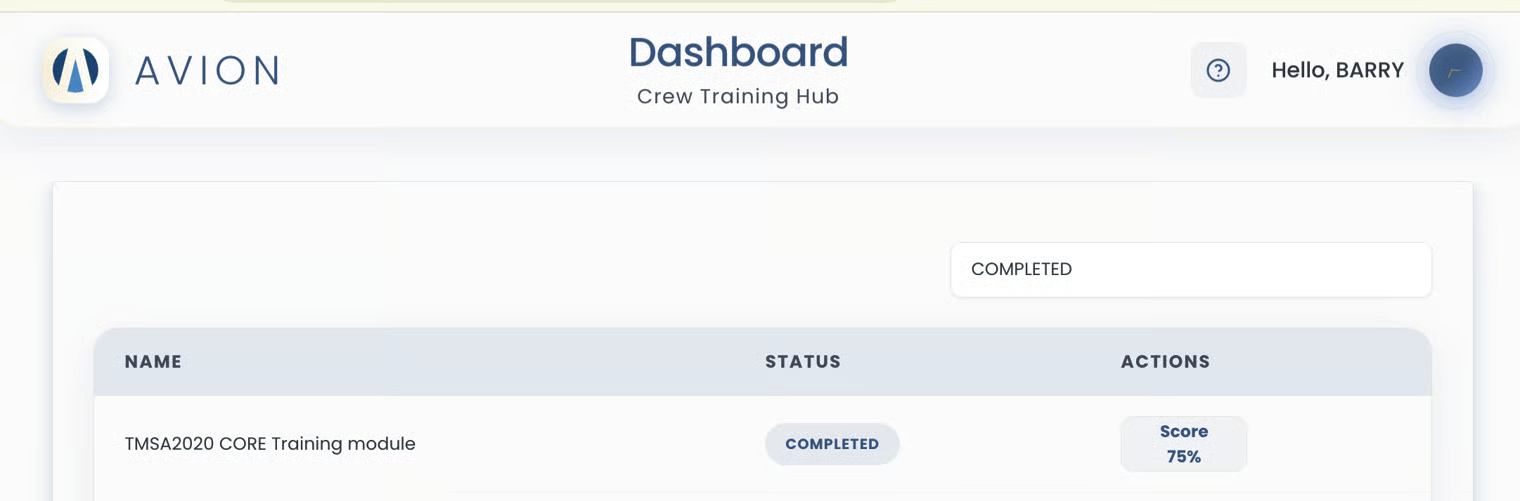
After completing all parts of the module, the status updates from 'In Progress' to 'Completed'.
The exam result is displayed in the action column.
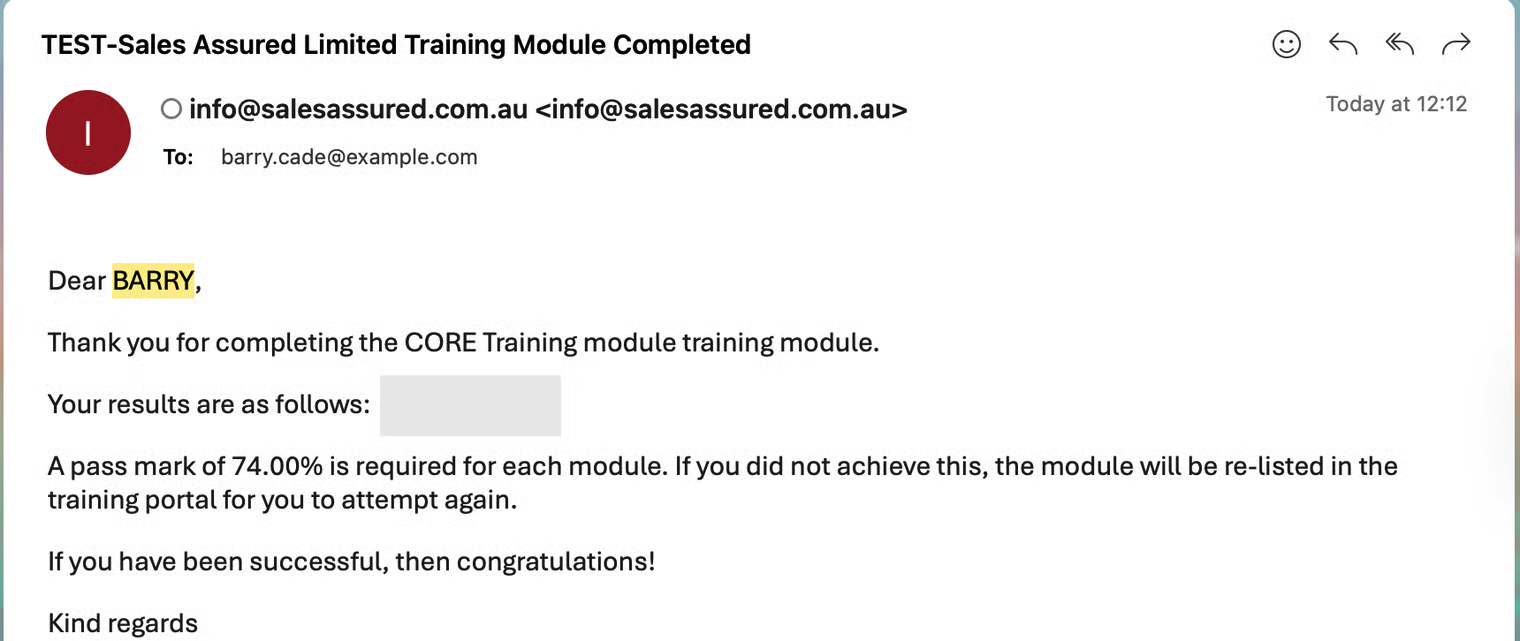
The crew receives an email notifying them that the training module is complete and sharing their results.
If the exam result does not meet the pass mark, the module will be re-listed in their training for another attempt.
Example: Module re-listed