Pause, Exit & Resume Training
The crew can pause or exit the training at any time.
The system saves their progress whenever they click the ‘Save & Next’ button in the module, so it always remembers the last completed section.
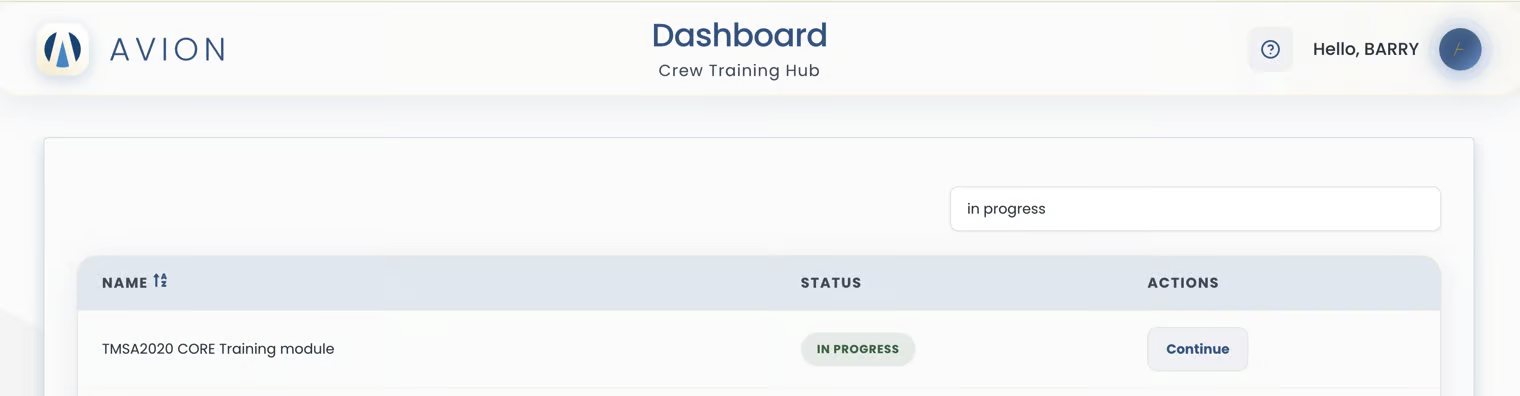
When they return to Training Hub, the module will still display a status of 'In Progress'. To continue, they click the ‘Continue’ button in the Action column, which opens the module’s Start Page.
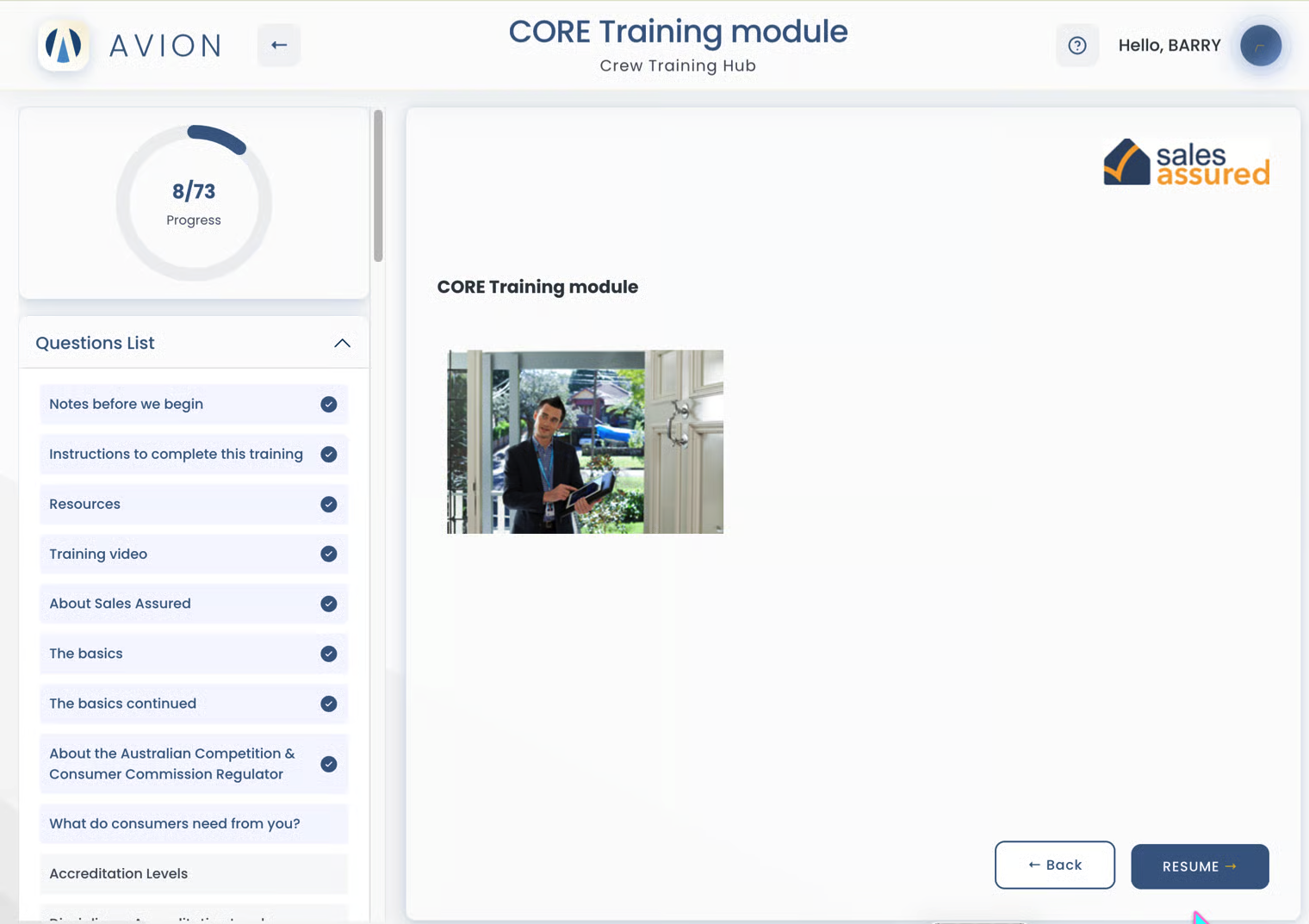
From there, they click the ‘Resume’ button at the bottom right, and the system takes them back to the exact page where they last paused or exited.
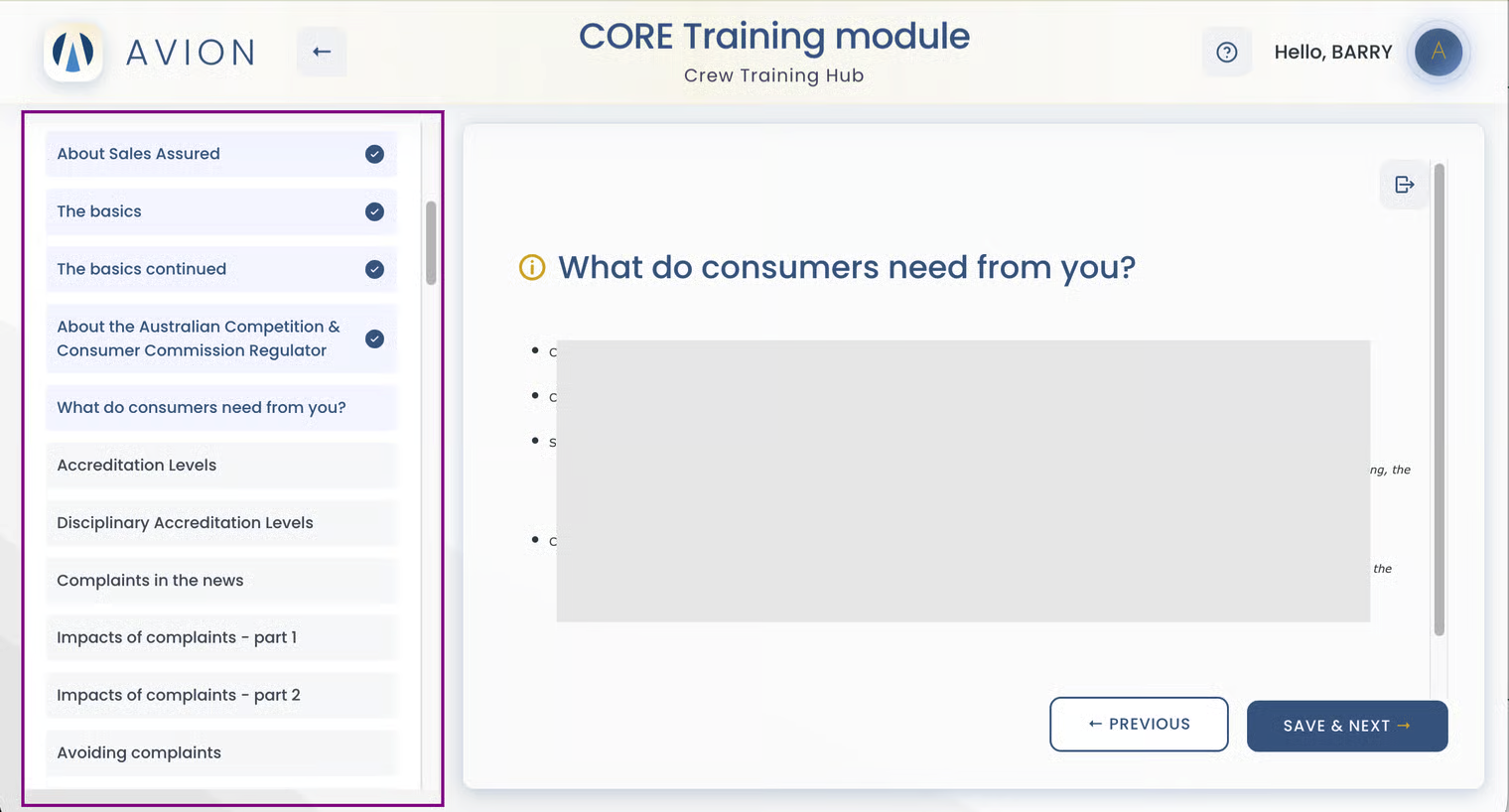
The system also uses color to indicate progress: content that has been opened and read is marked in dark blue, while content that is still locked appears in gray.
New content unlocks only after the crew opens and reads the previous content and clicks the 'Save & Next' button, ensuring they progress through the material step by step.
For example, if Content 1 is not finished, Content 2 will stay locked.