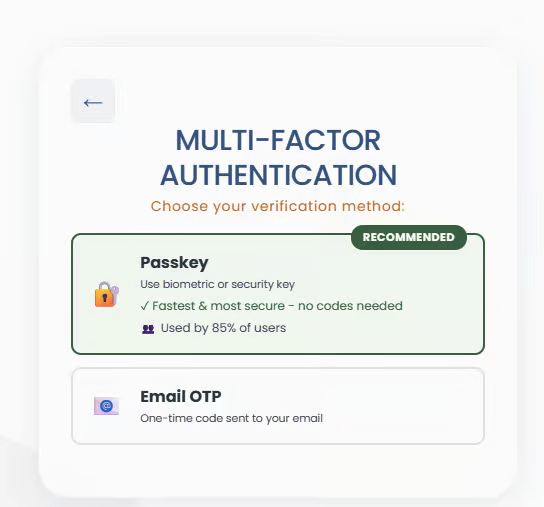
Email OTP Users
Users who authenticate solely via Email or SMS OTP (One-Time Passcode). Device trust is available to reduce extra steps on repeat logins.
Options:
[Non-Trusted Device]
Non-Trusted Device
User logs in with username/password.
OTP is required (sent via email).
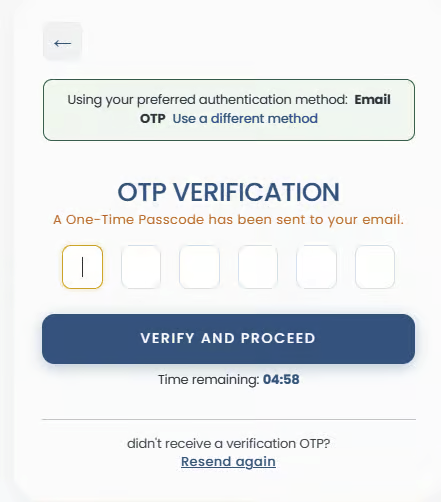
After successful entry, user:
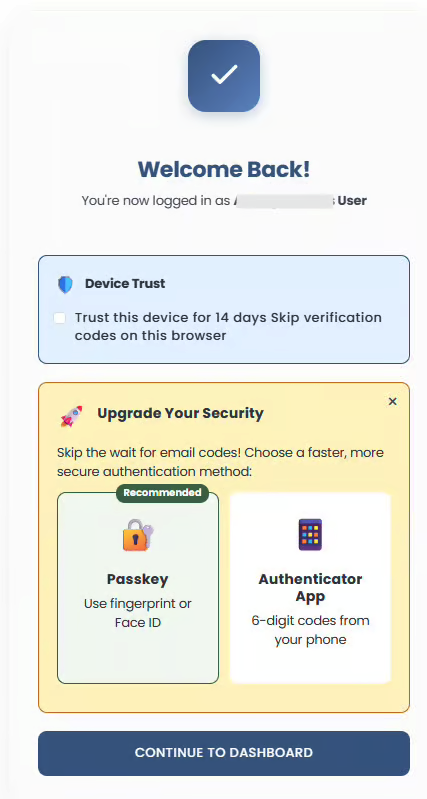
can select “Trust this device for 14 days”
can choose to set up faster MFA options (passkey and authenticator)
[Trusted Device]
Trusted Device
User logs in with username/password on a trusted device.
OTP is skipped.
The screen displays an option to extend the trust days remaining.
If the user has not set up any or all MFA options, then the user is prompted to do so
The user can then proceed to the dashboard.
[Expired Trust]
Expired Trust
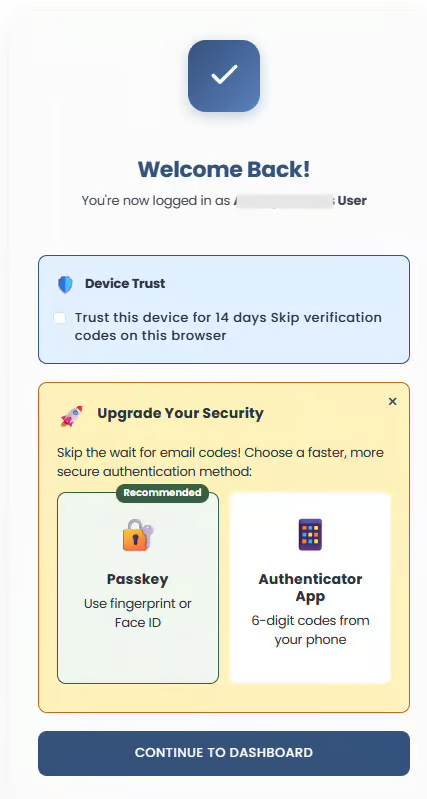
If not extended, after 14 days, the trust expires.
On login, the user sees the trust expired notice and must complete the OTP again.
After verification, the user can re-trust the device.
[Resend OTP]
Resend OTP
The user can request a new code if the OTP is not received.
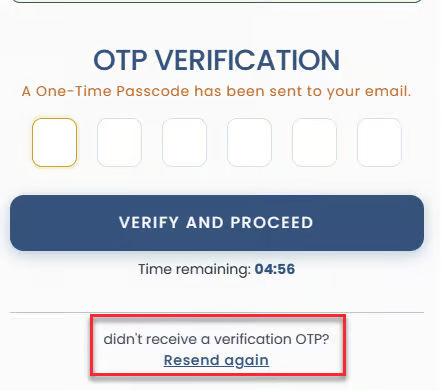
A new code is generated, the old one is invalidated, and no duplicates are accepted.
[OTP Delay Banner]
OTP Delay Banner
If OTP delivery is delayed, a banner appears suggesting faster alternatives (Passkey or TOTP).
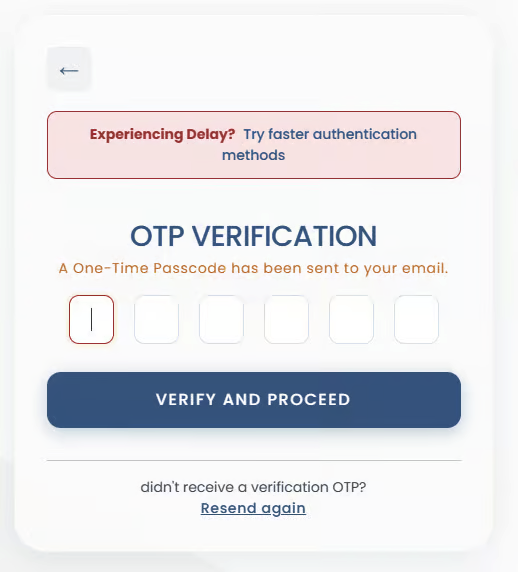
The user can upgrade the MFA method without waiting.