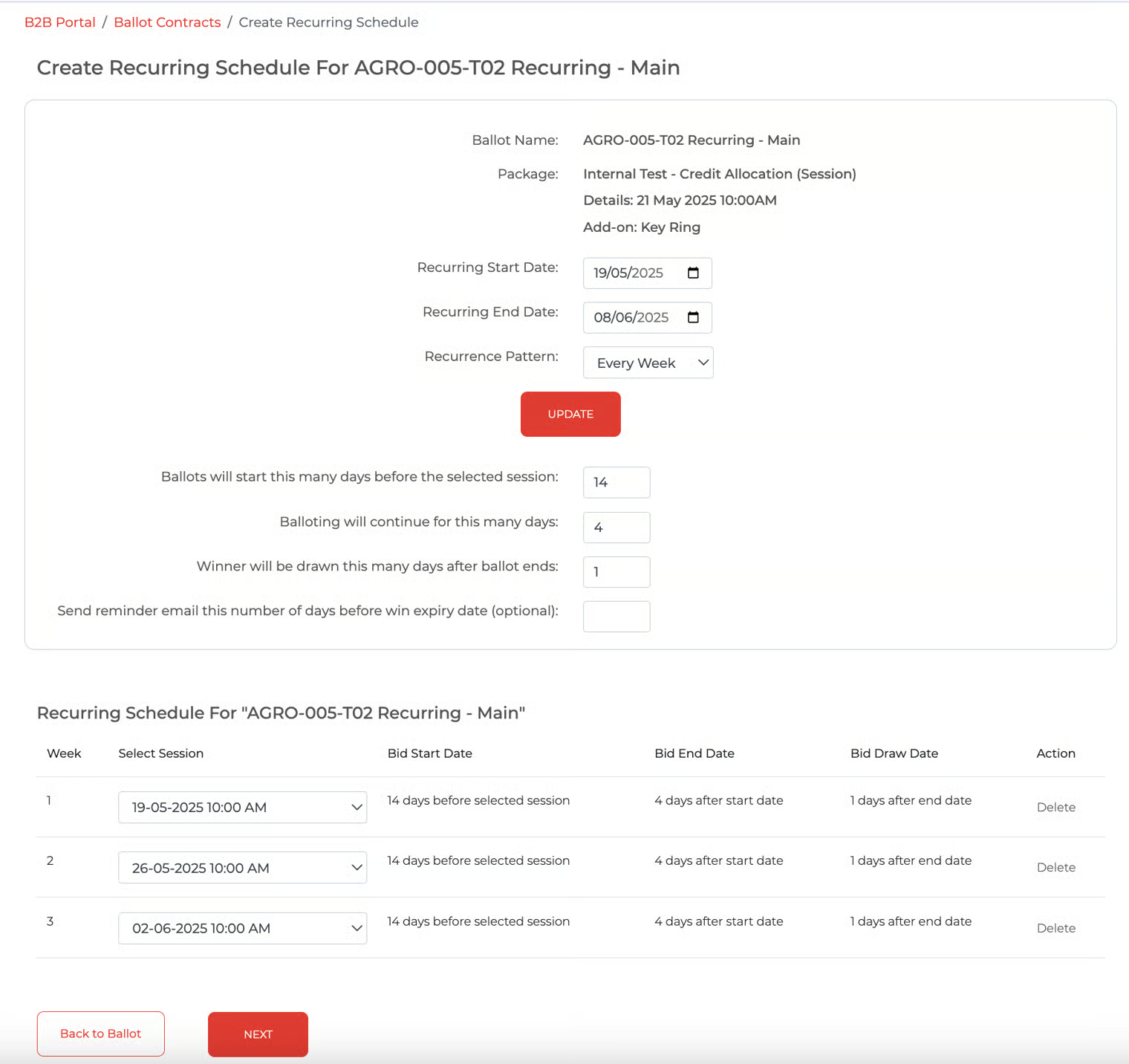
Client HR - Create a Recurring Schedule
On the Recurring Schedule page, update the following details
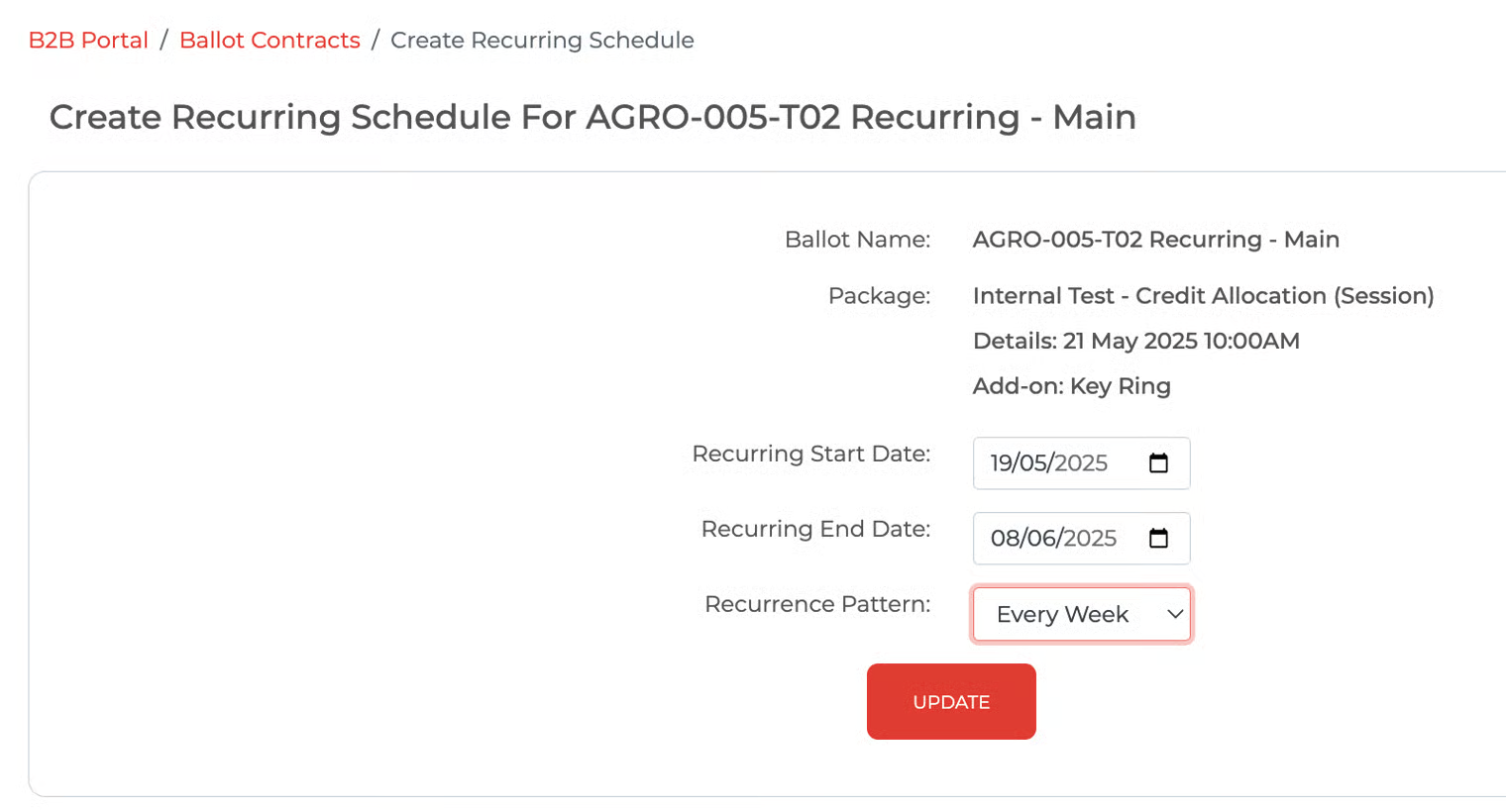
a) Recurring Start Date (refer Note 1, 2 and 3)
b) Recurring End Date (refer Note 1, 2 and 3)
c) Recurrence Pattern (Monthly/Weekly/Daily)
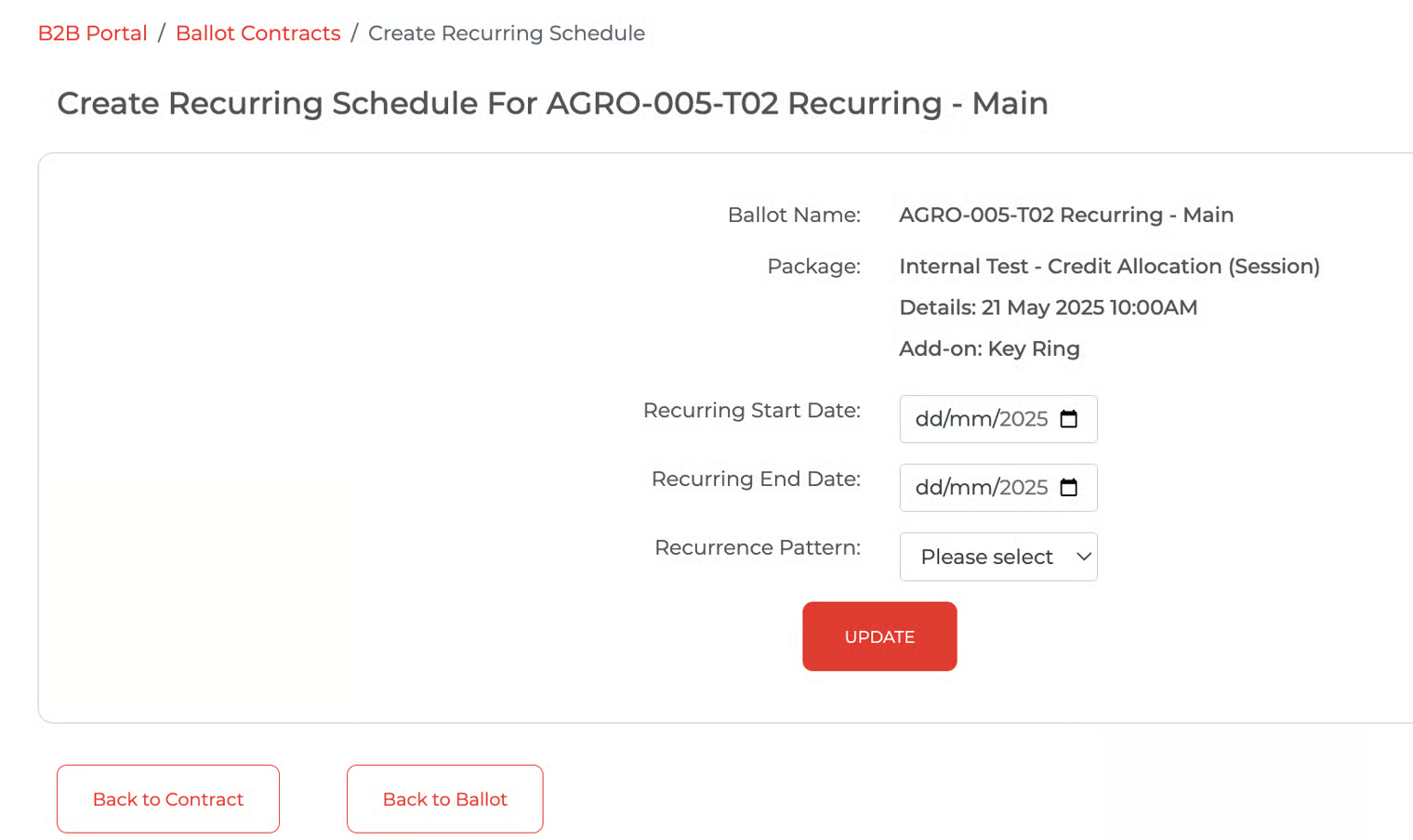
Note 1: The start and end dates of the whole recurring period. Example: Monthly recurrence between October and December, so the start date is Oct date and the end date is Dec date.
Note 2: The start and end dates are within the contract validity period
Note 3: If the ballot item is a package with sessions, the start date should be selected X days before the selected session slot, as well as the end date and the draw date
Recurring schedule : Weekly
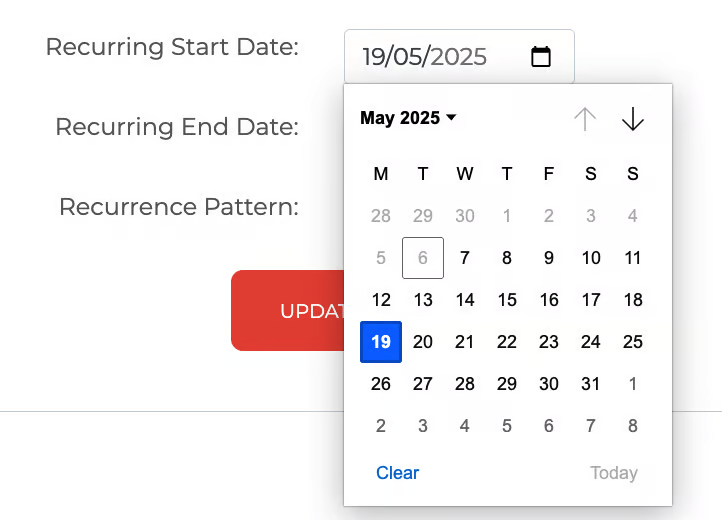
Calendar (for reference)
Click the 'Update' button. Validate that the recurring schedule is created with some default information (editable).
Default Schedule