🔵 Place a bid on the ballot
This article illustrates how an employee can place a bid on the ballot.
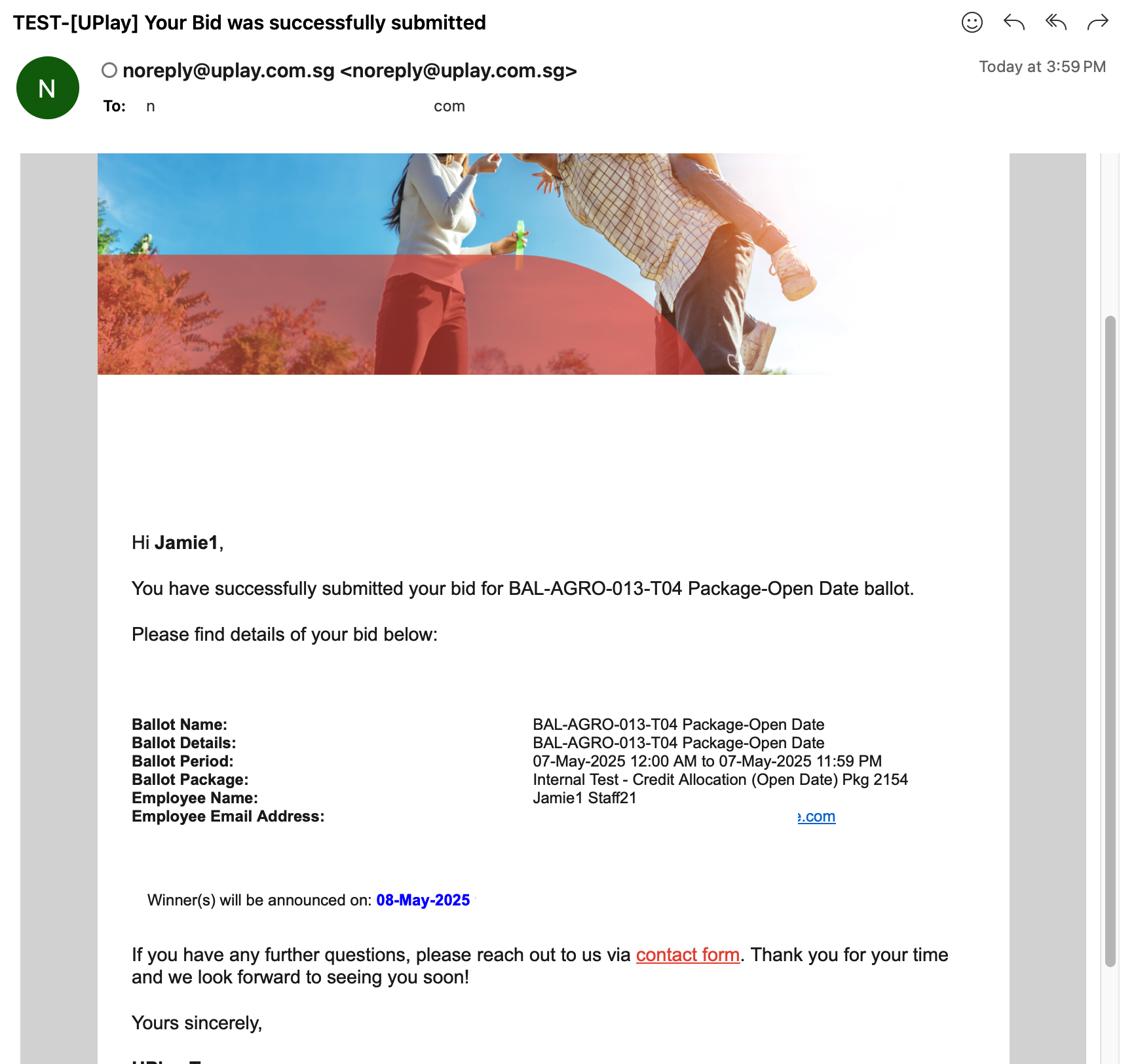
Click the 'Bid' button.
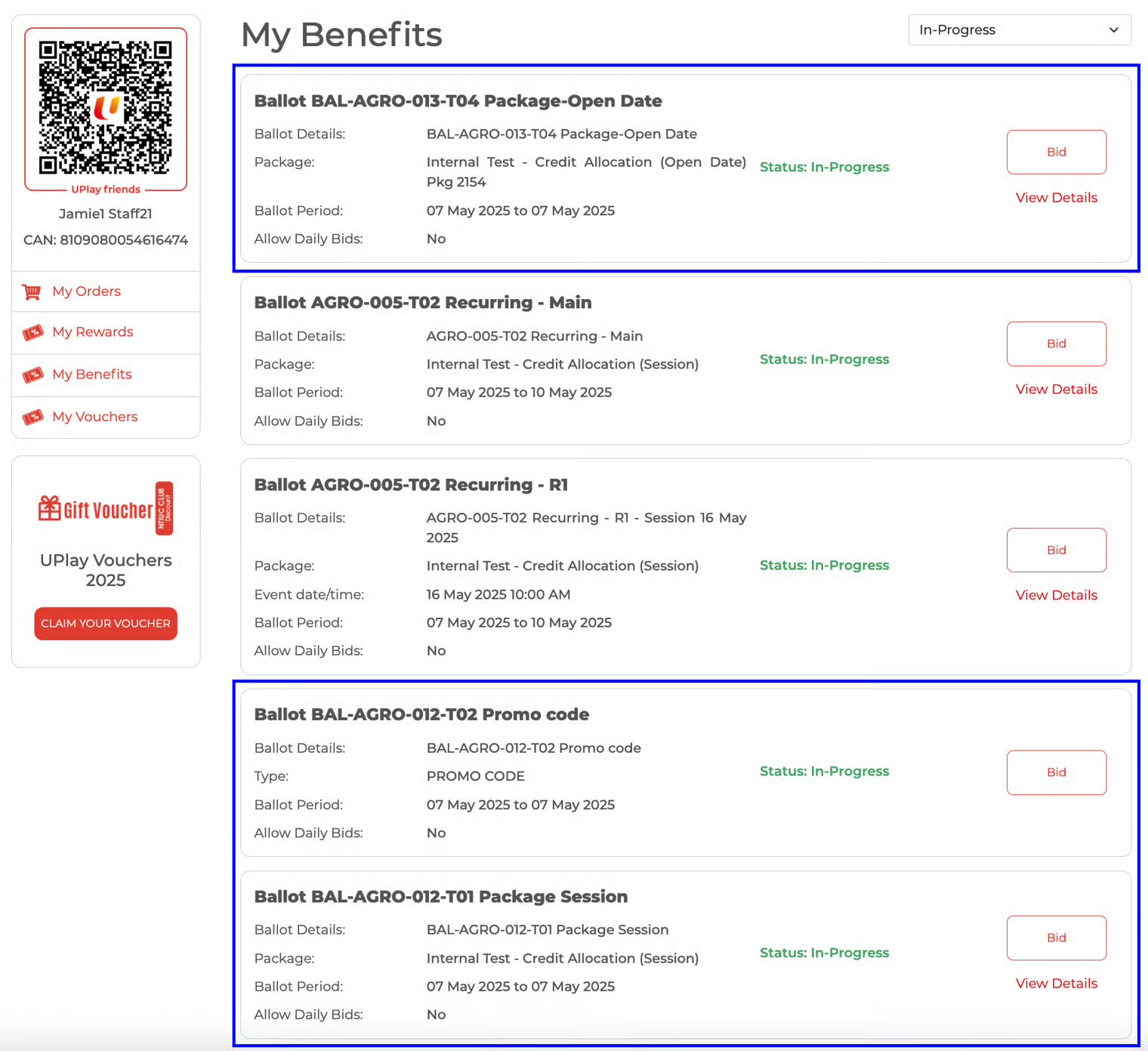
Click 'Placed Bid' to confirm ballot bid.
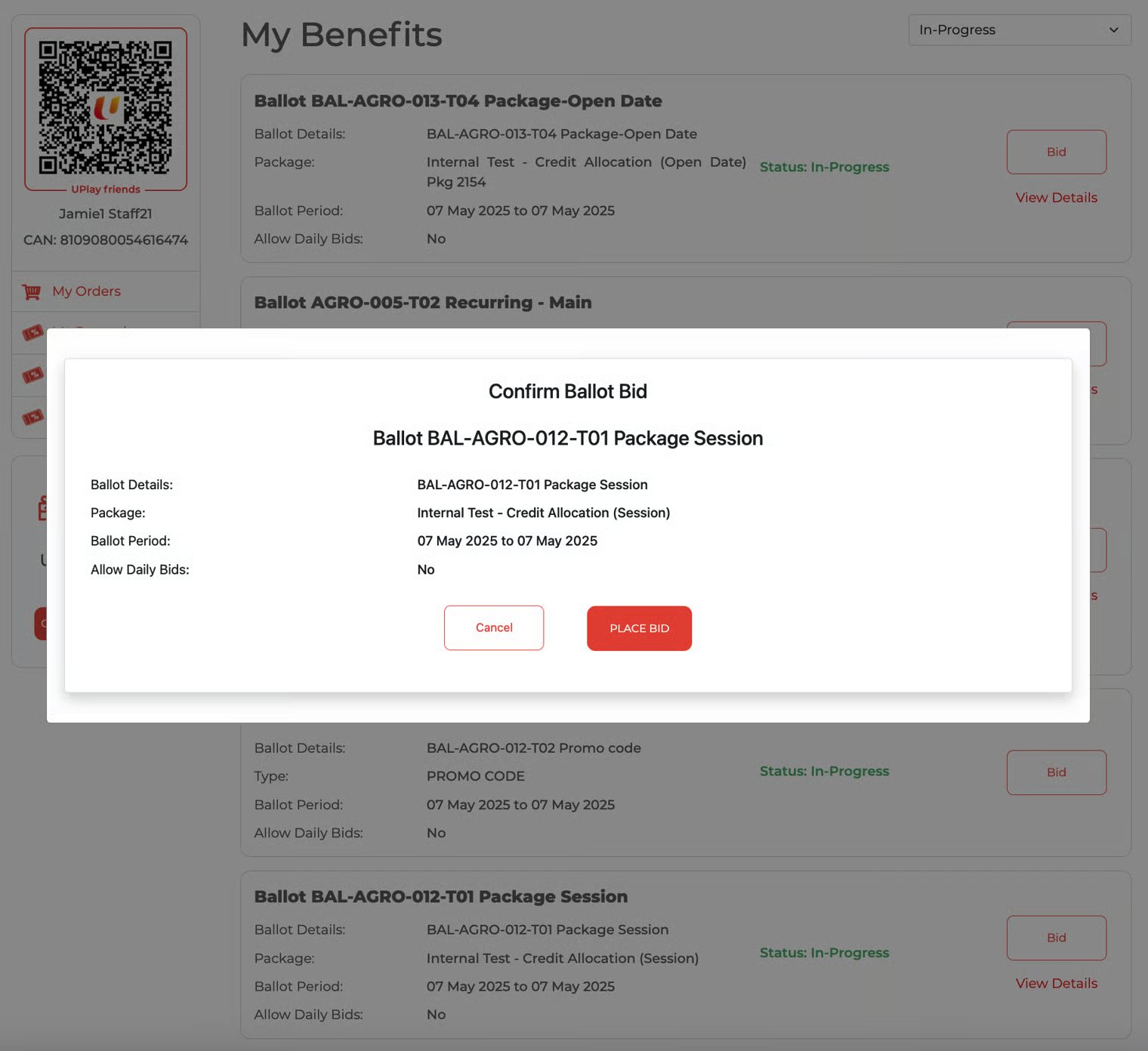
Successfully placed bid. 'Your bid's status' is updated. The bid button will no longer be visible.
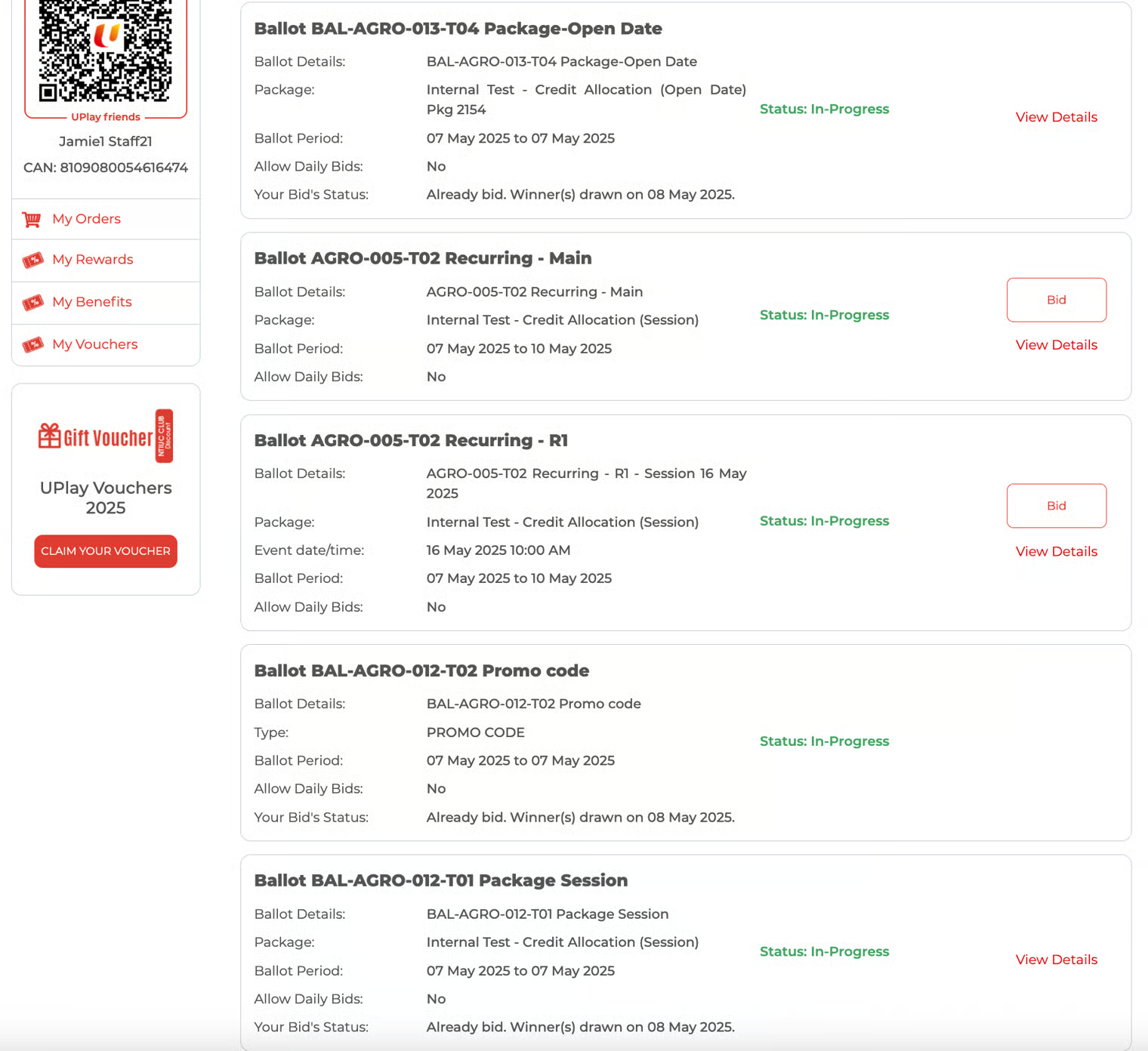
Bid Submission Email Notification
The participant will receive the email immediately after successfully submitting the bid.
Example of the email:
Email Ballot 1
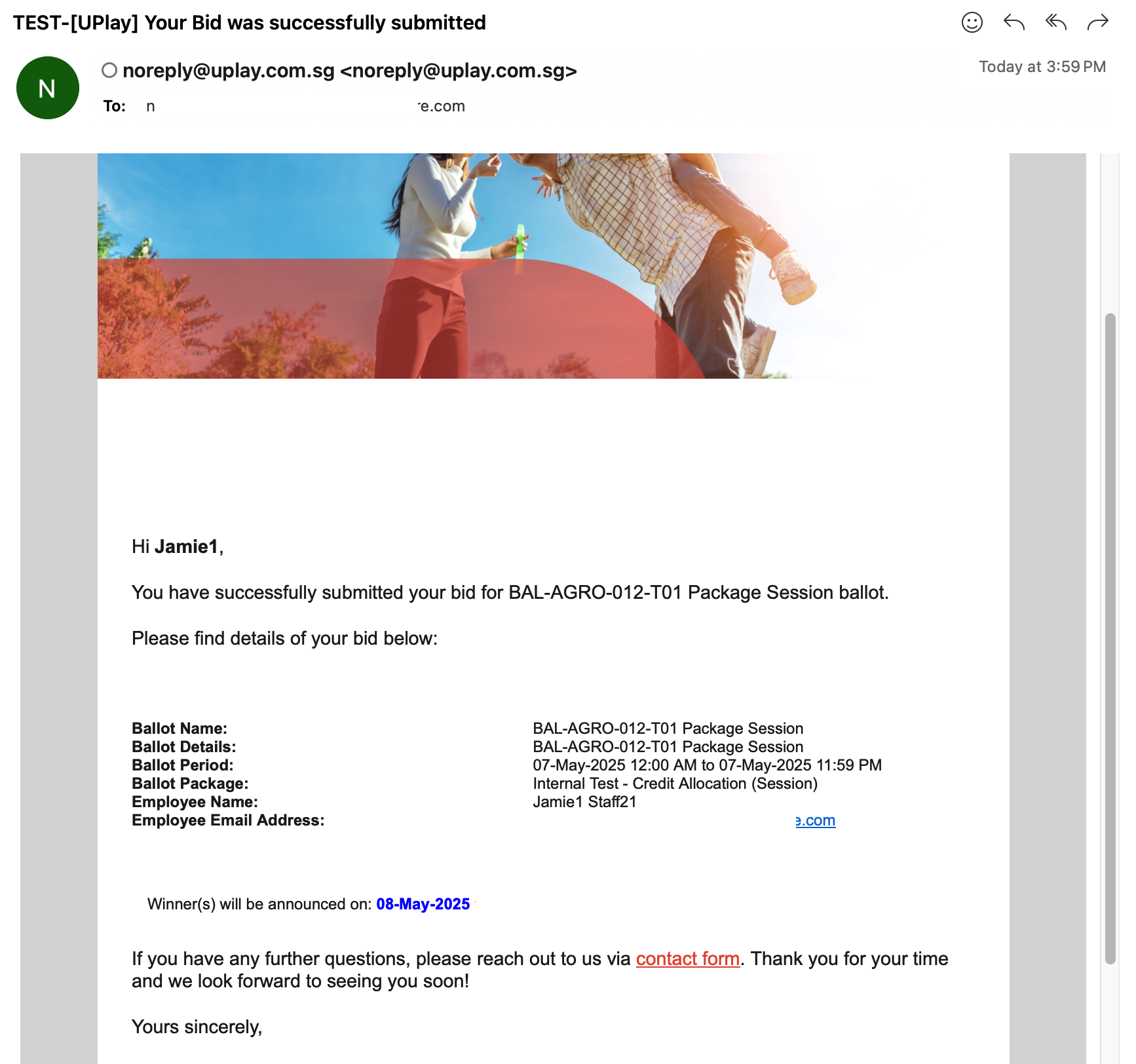
Email Ballot 2
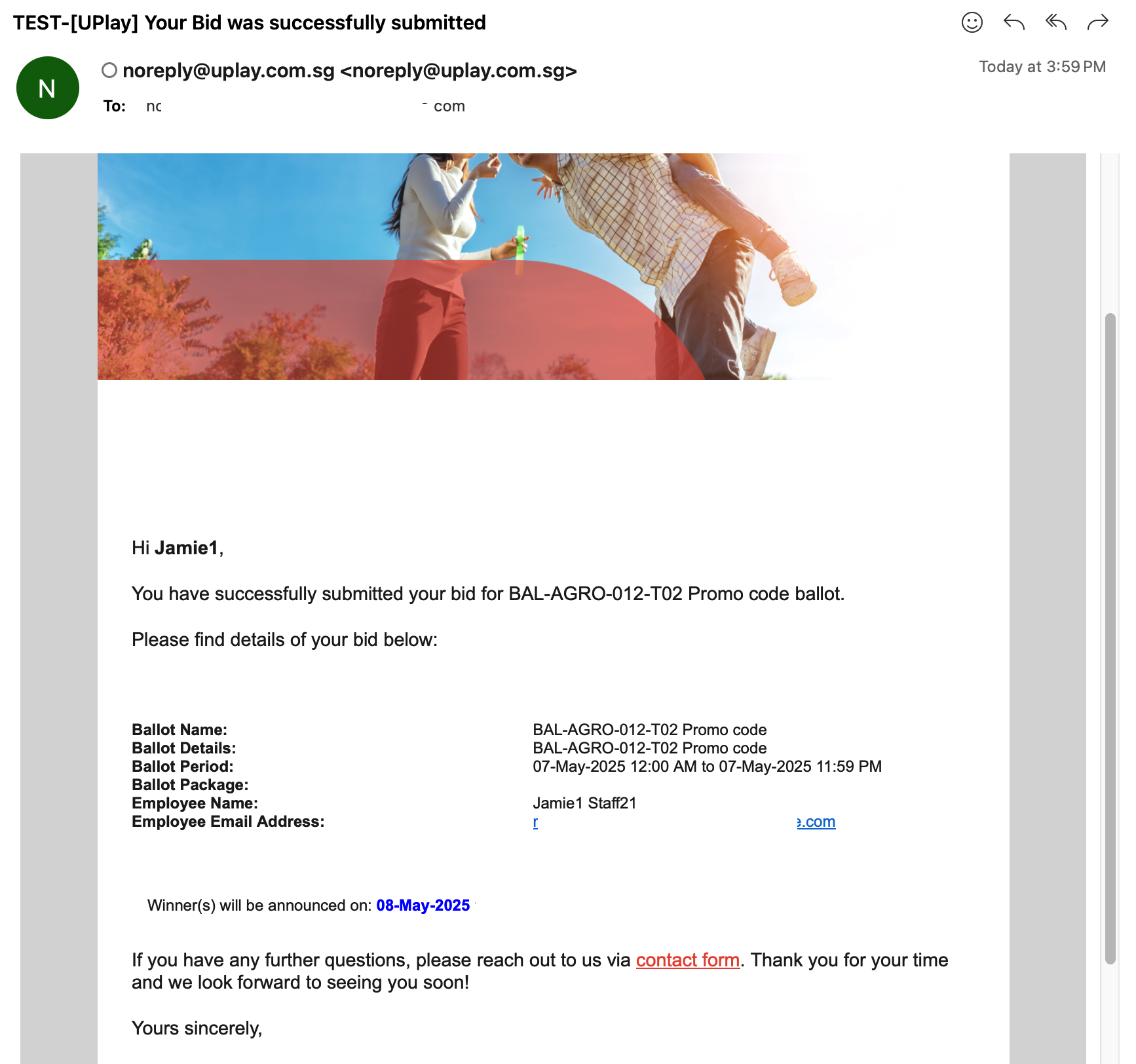
Email Ballot 3