🔵 Winner - Claim Prize
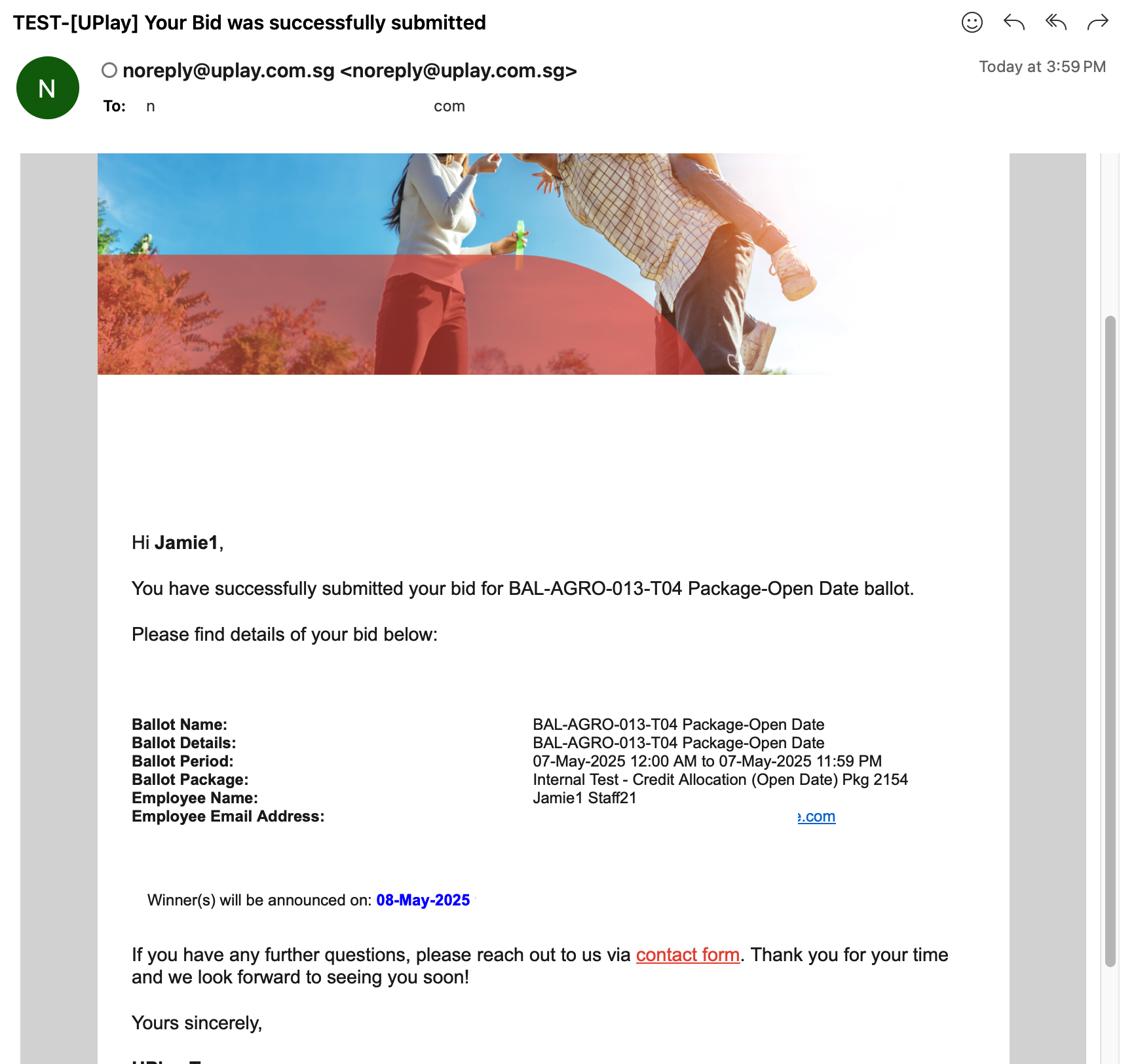
This is after the participant has been selected as the winner and received the winner's email notification.
Winner gets a win email notification.
Email Notification
Details about setting up email notification can be found here
Refer here for the email notification information (WIP)
Example: Email Notification
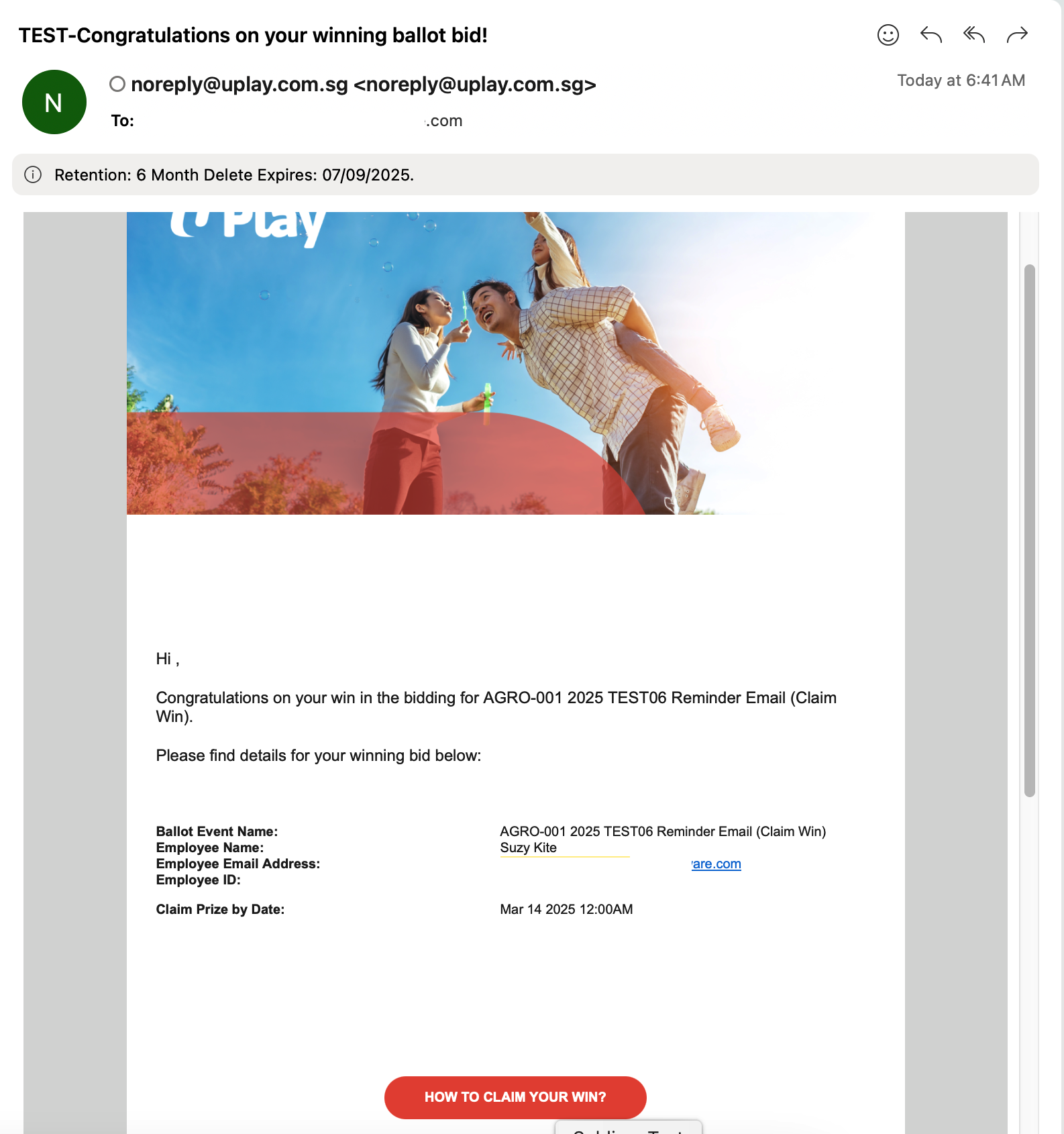
Winners can access their 'My Benefits' section to view and claim the winning prize.
Filter: Won
See the example of a winning bid attached below.
Pay attention to the 'Your Bid's Status' information.
Click here to view the Claim Prize of the Package and here to view the Claim Prize of the Promo code.
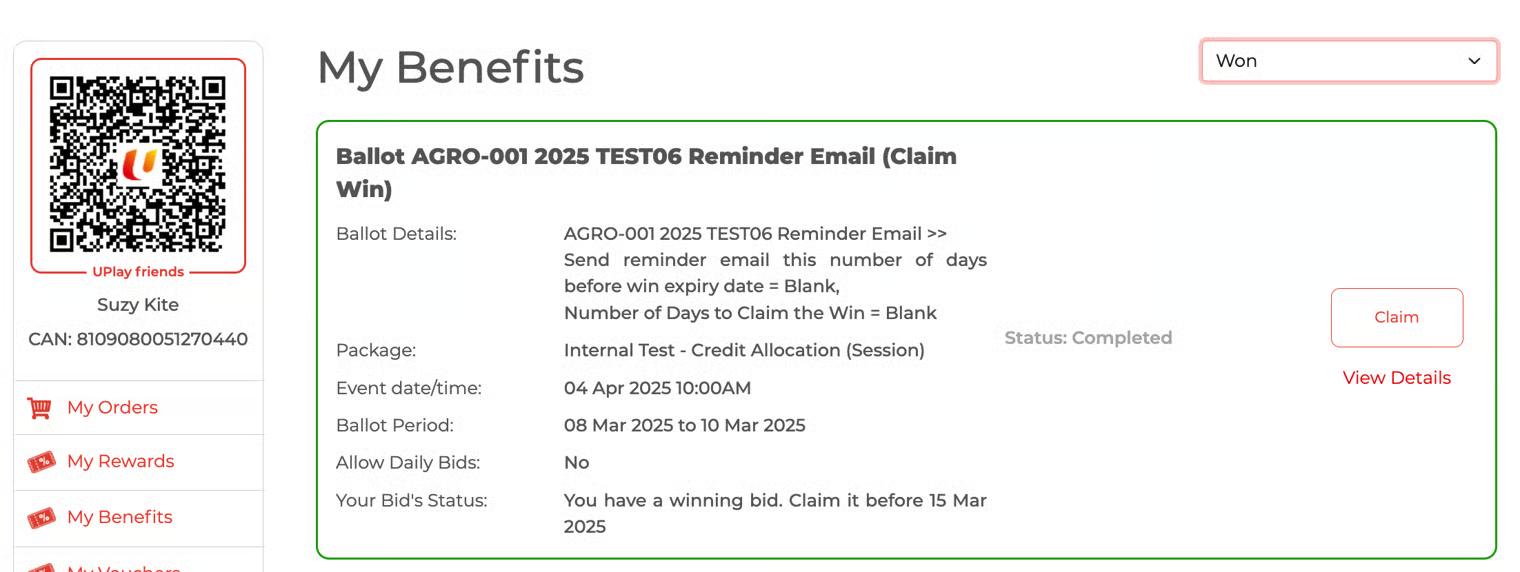
Bid Submission Email Notification
The participant will receive the email immediately after successfully submitting the bid.
Example of the email:
Email Ballot 1
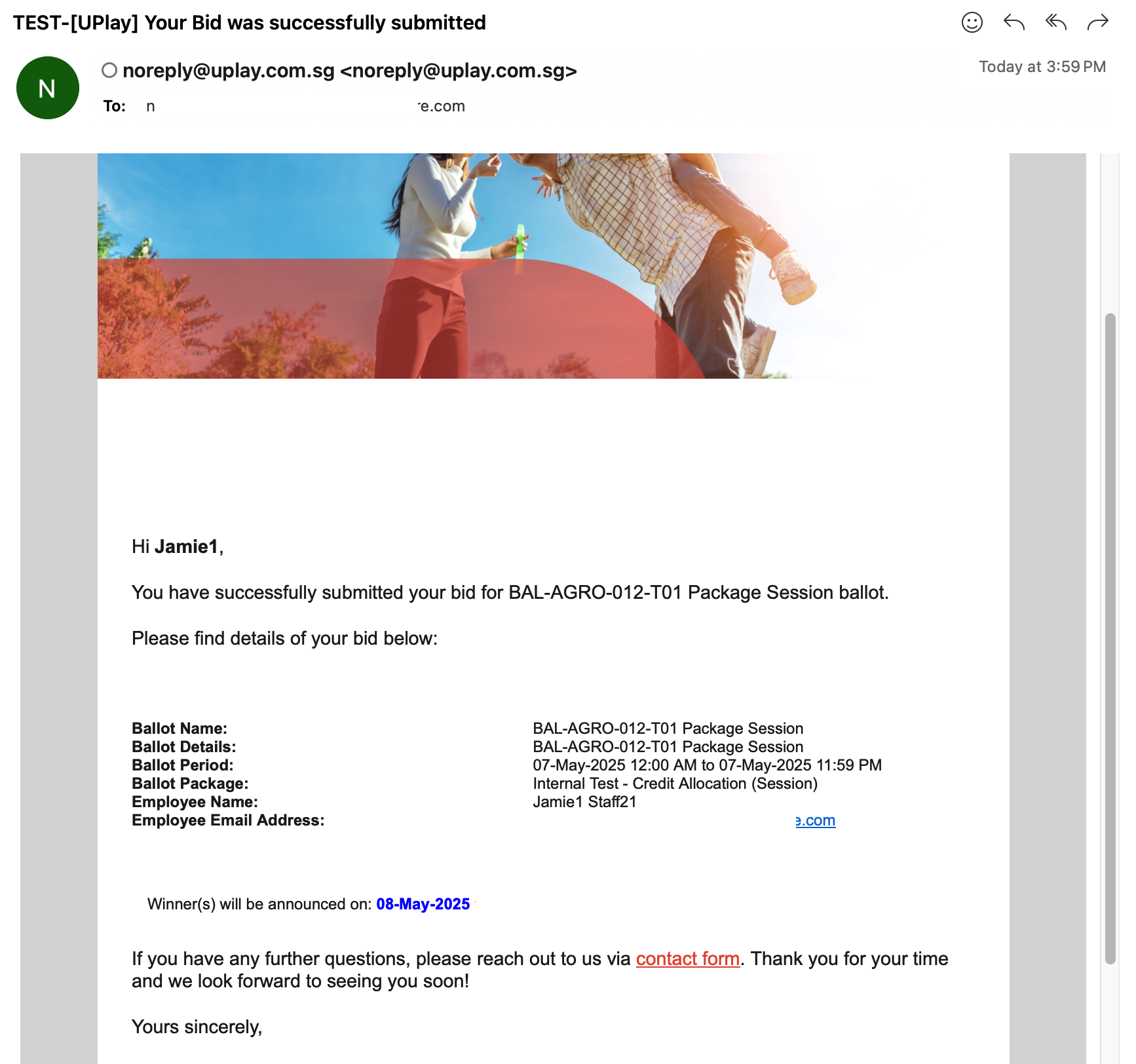
Email Ballot 2
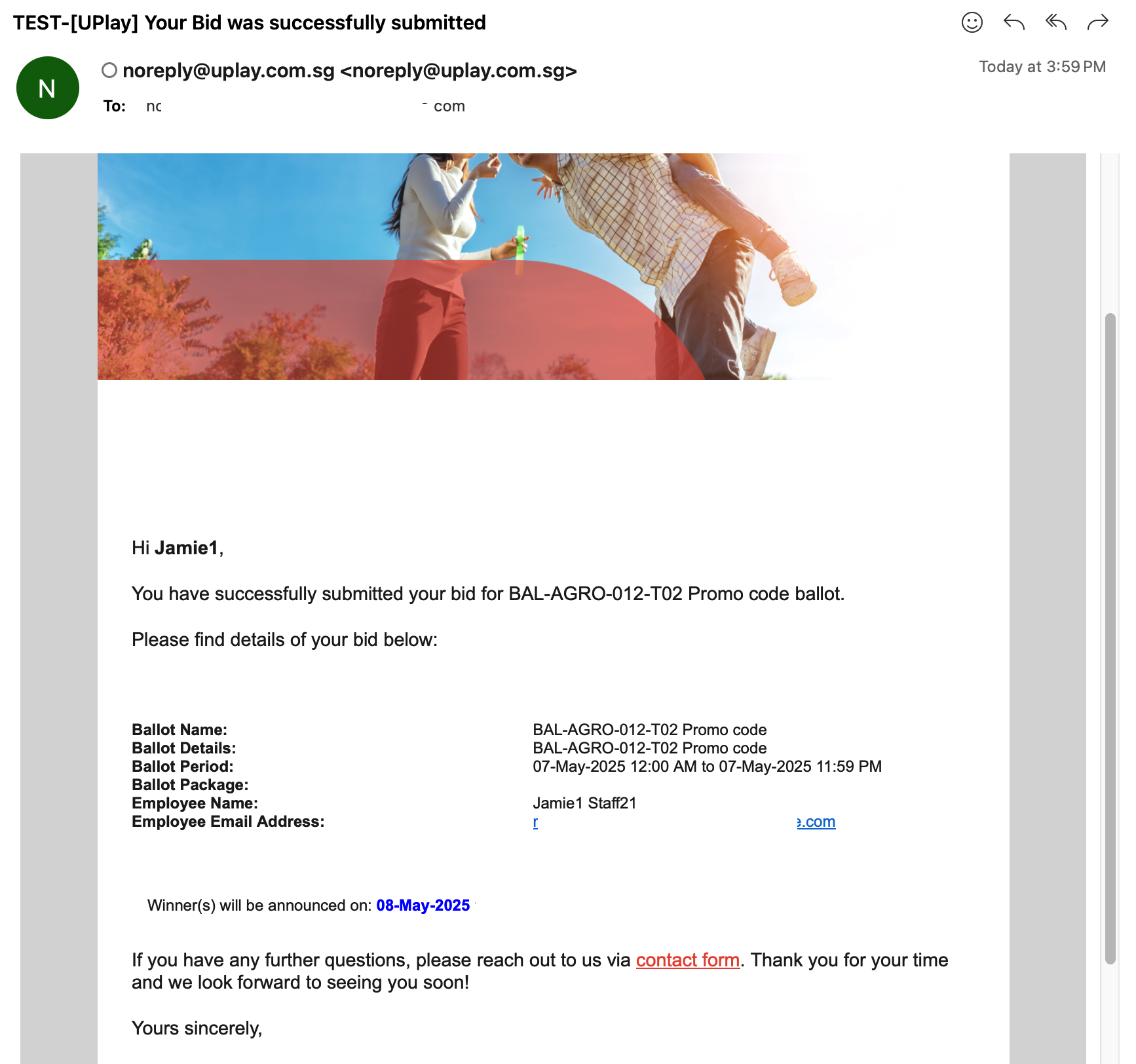
Email Ballot 3