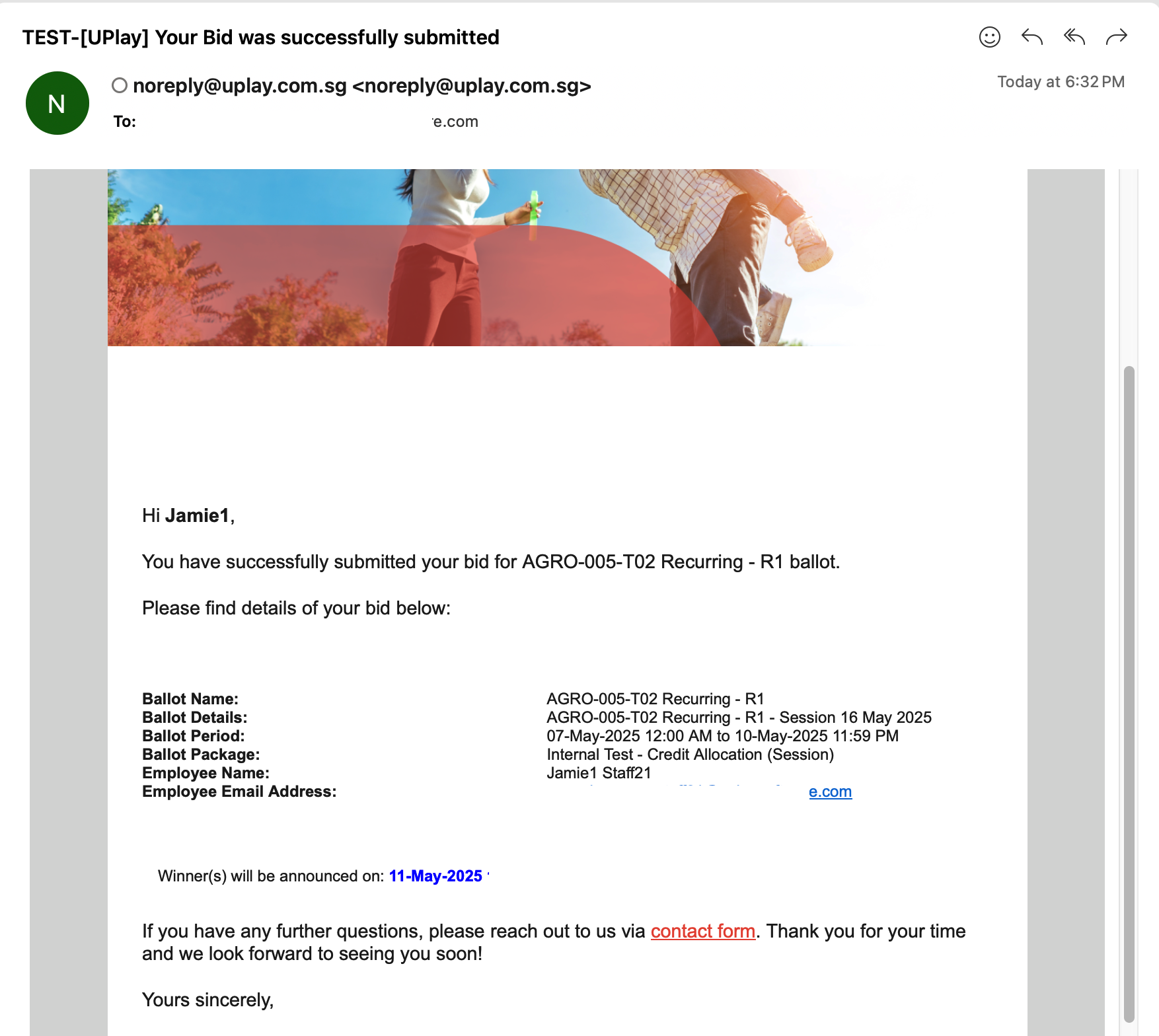
🔵 Place a bid on the recurring ballot
Ballots that participants can bid on have a 'Bid' button.
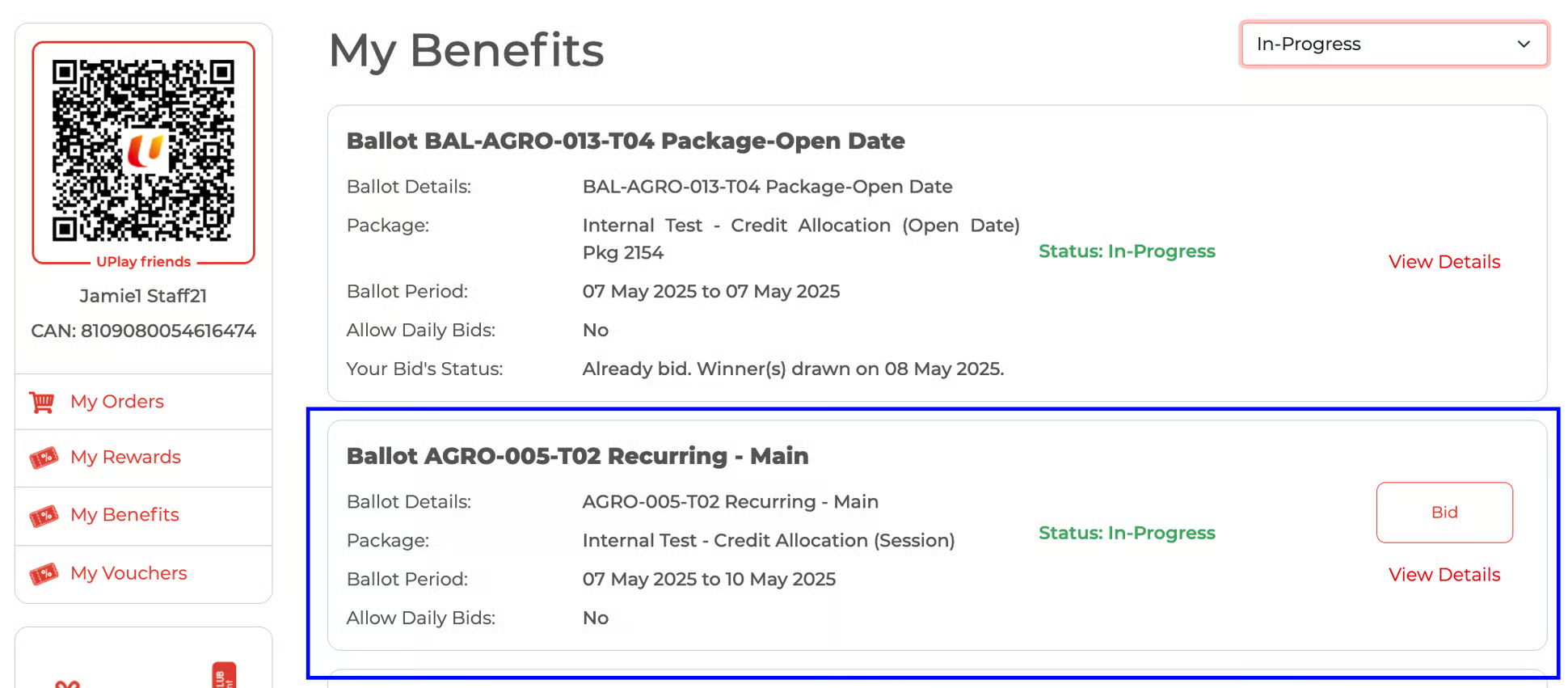
In the example below,
The 'base' or 'main' ballot is in 'In-Progress' status,
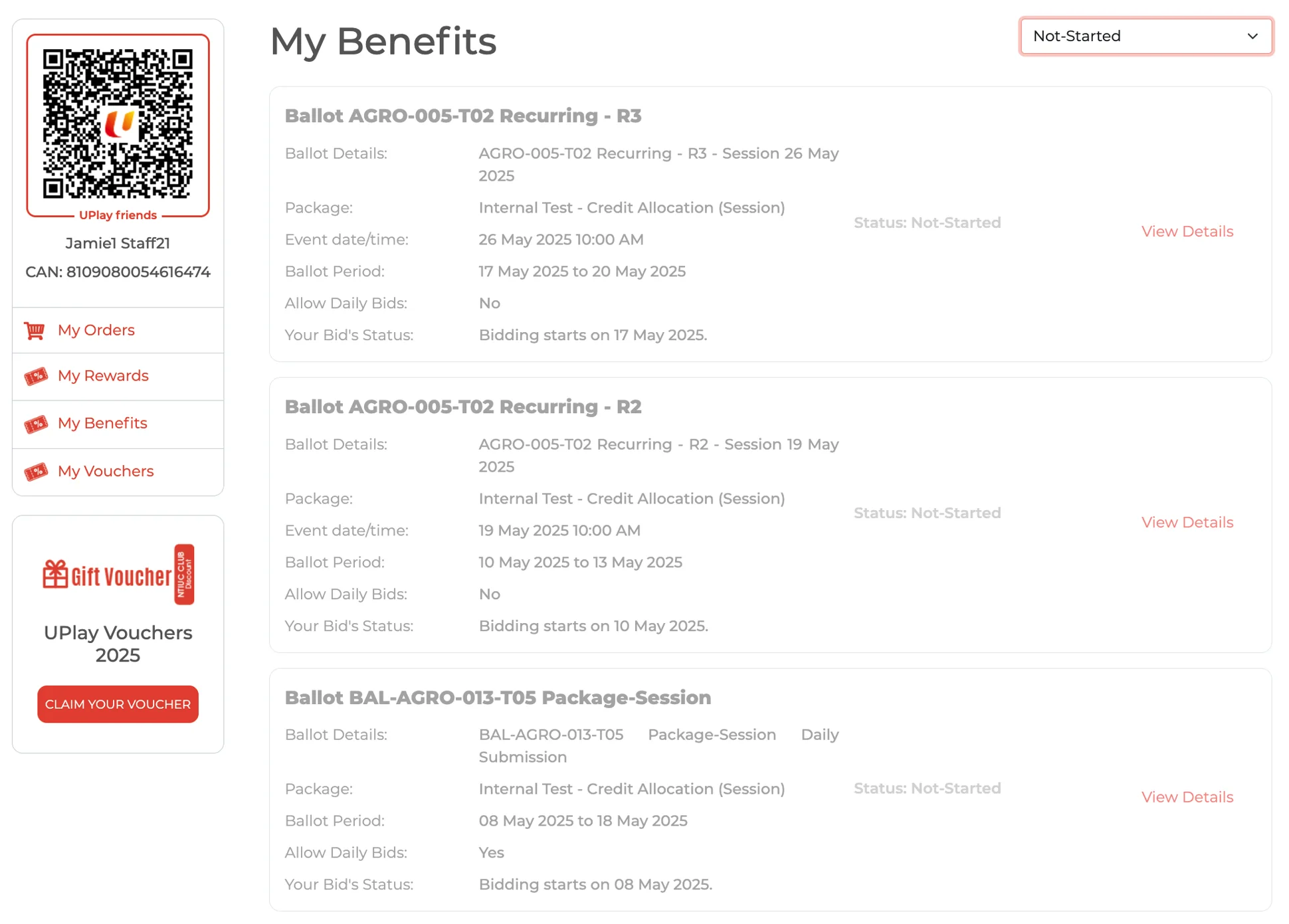
Second tab - the recurring ballots have not yet started.
Third tab - the recurring ballots have started (same bidding process as other ballots)
Base/Main
Recurrence Ballots
Recurrence Ballot ready for bidding
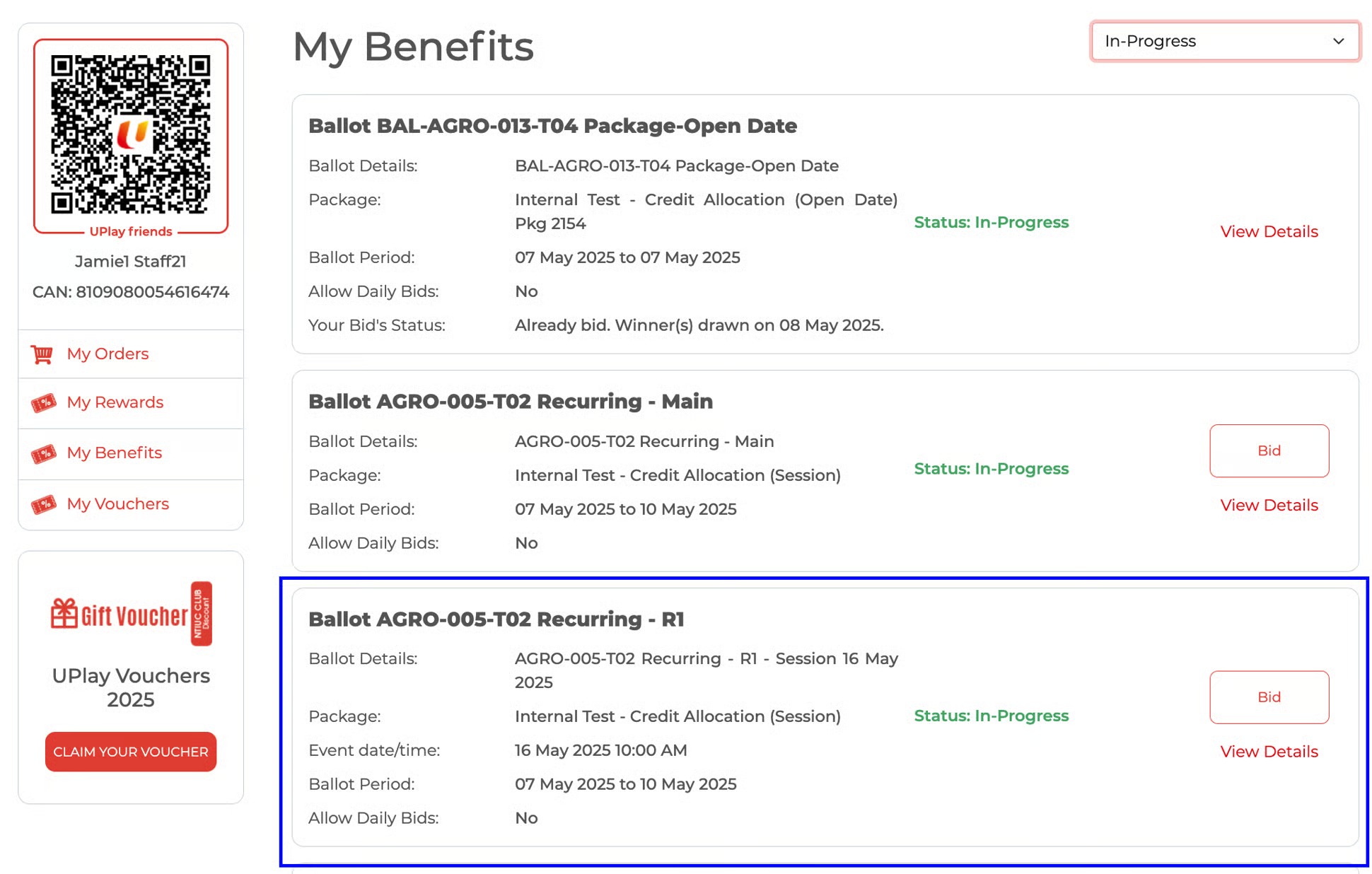
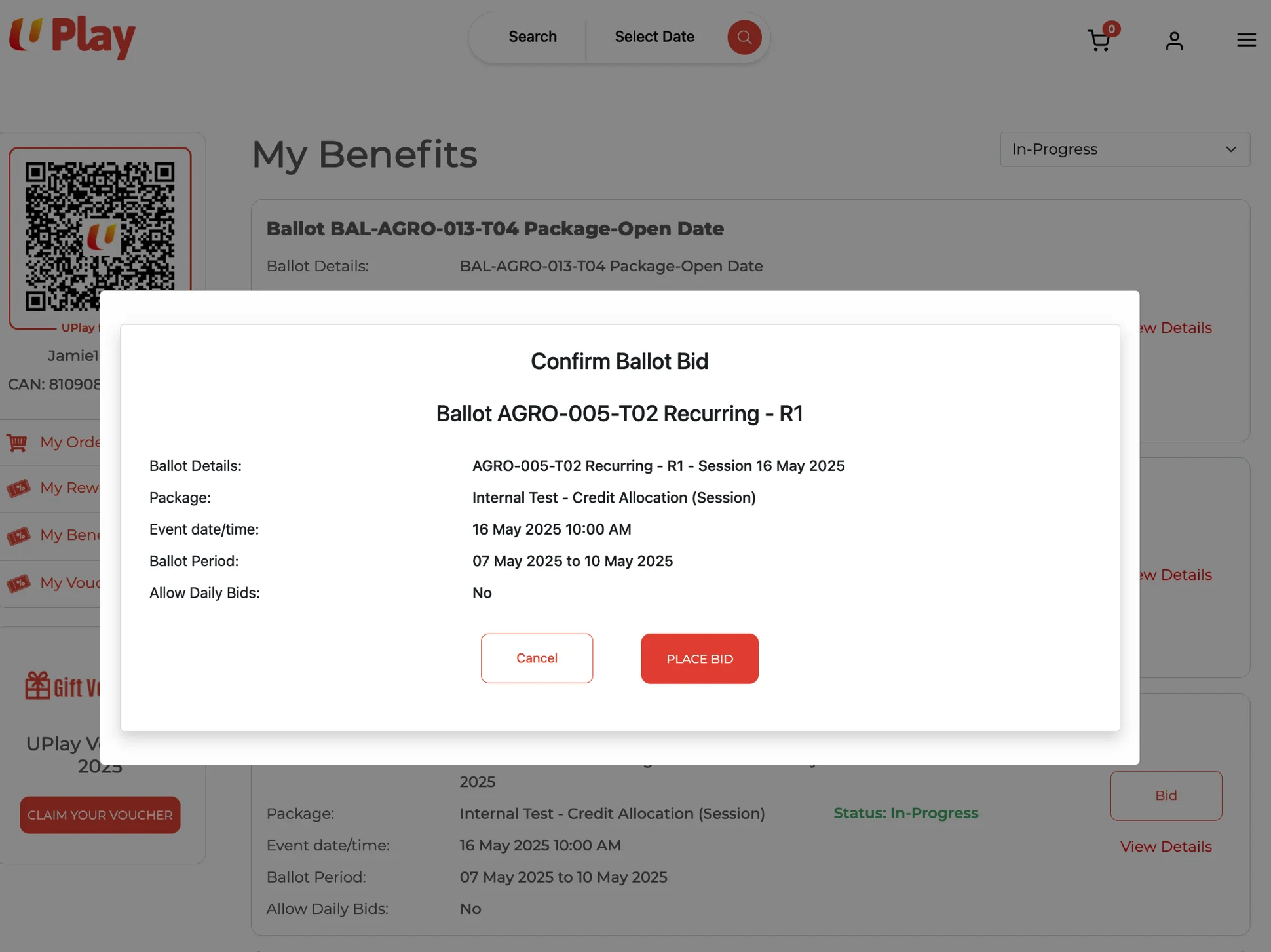
Click the 'Bid' button.
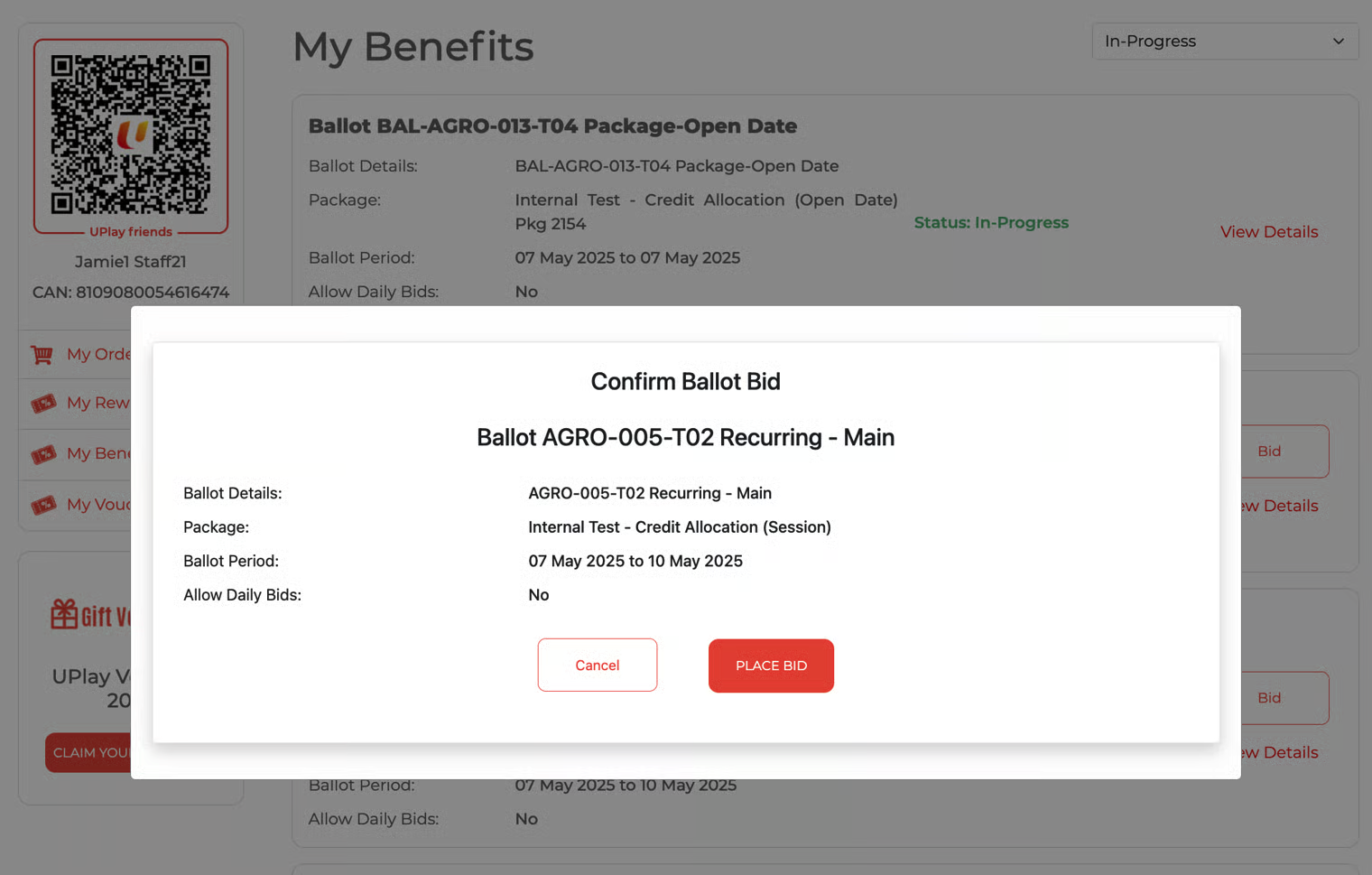
Click 'Placed Bid' to confirm the ballot bid.
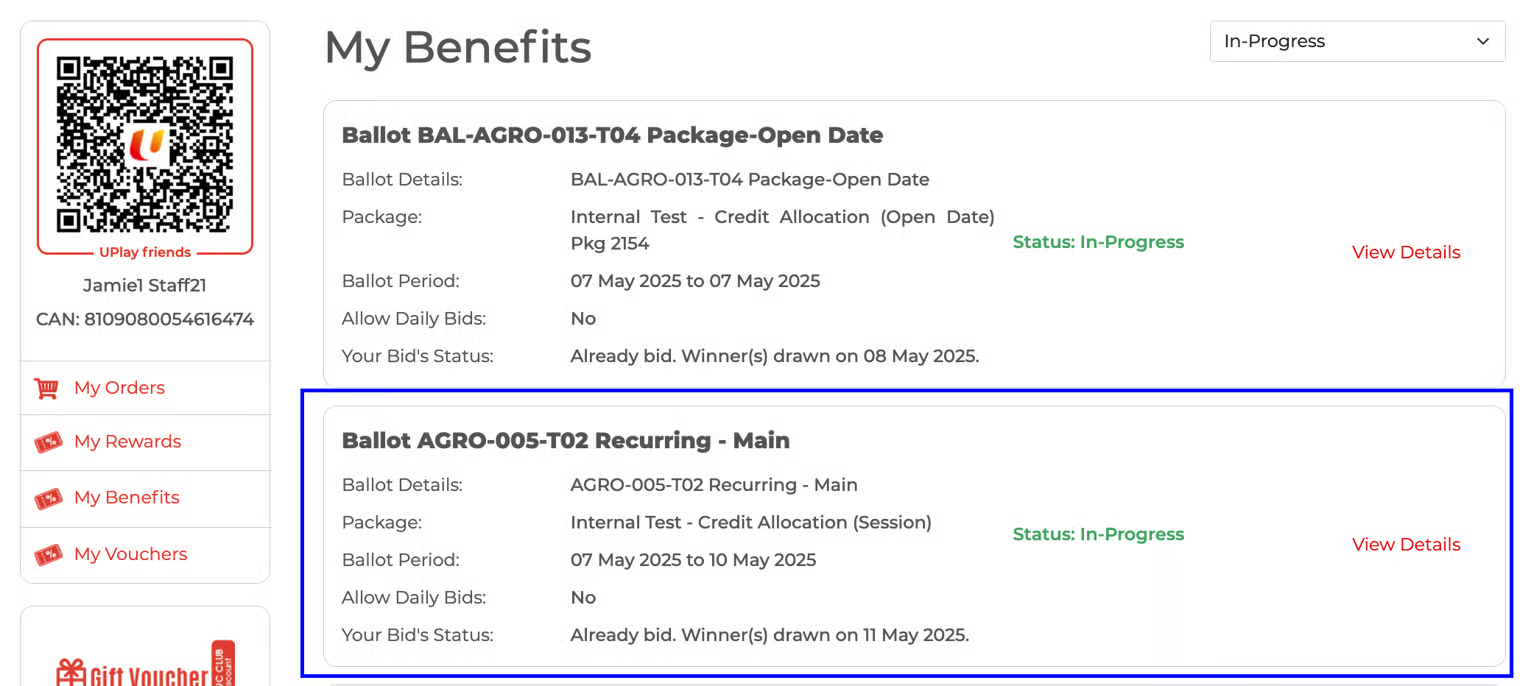
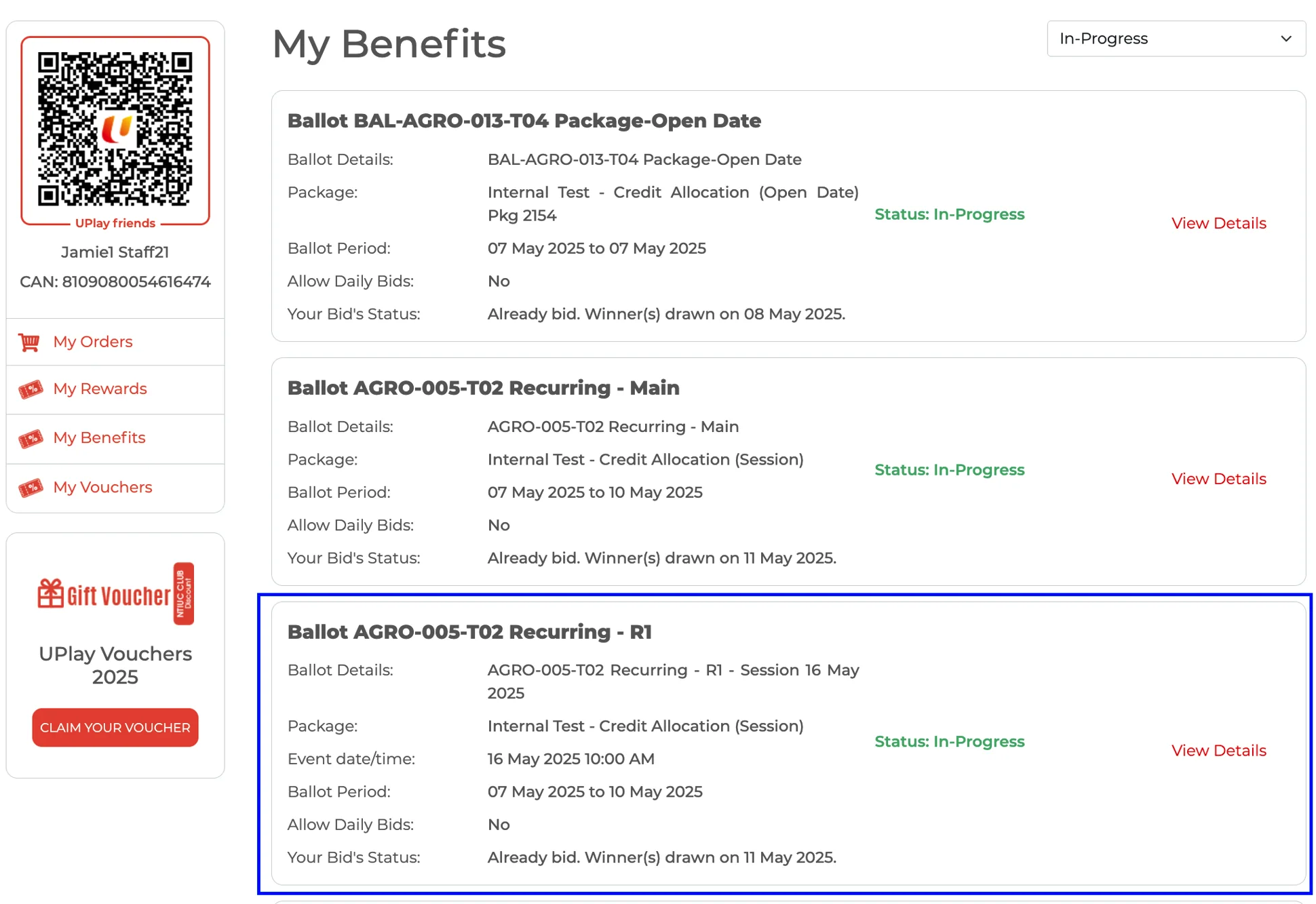
Successfully placed bid. 'Your bid's status' is updated. The bid button will no longer be visible.
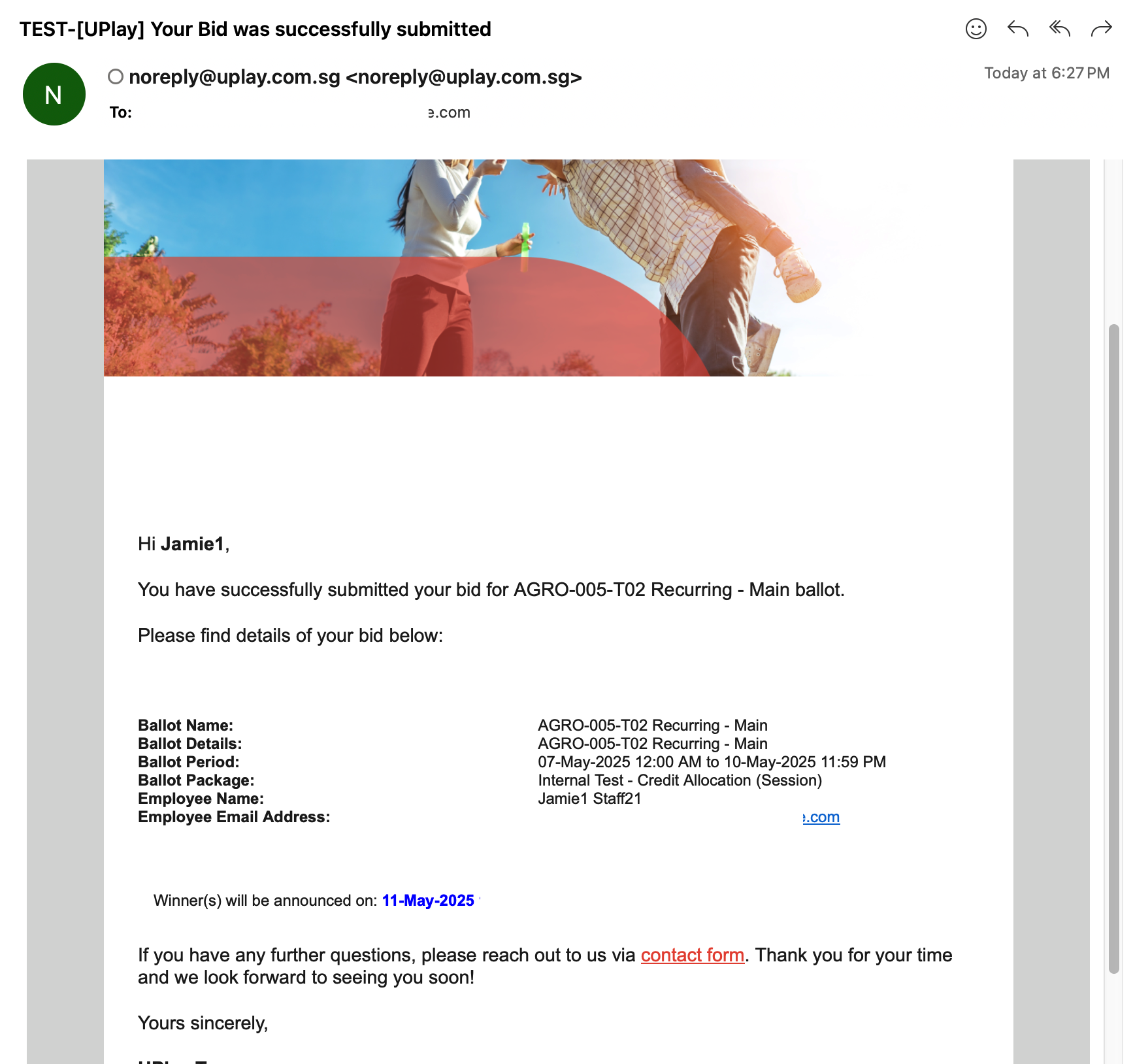
Bid Submission Email Notification - notifies the employee who submitted the bid
The participant receives the email immediately after successfully submitting the bid.
Example of the email:
Recurring Ballots: To submit bids and receive email notifications, follow the same steps as for individual or primary (base) ballots.
Successfully placed bid
Email Notification