Documentation ›
Staff Balloting ›
Employee - My Benefits ›
🔵 Winner - Claim Prize ›
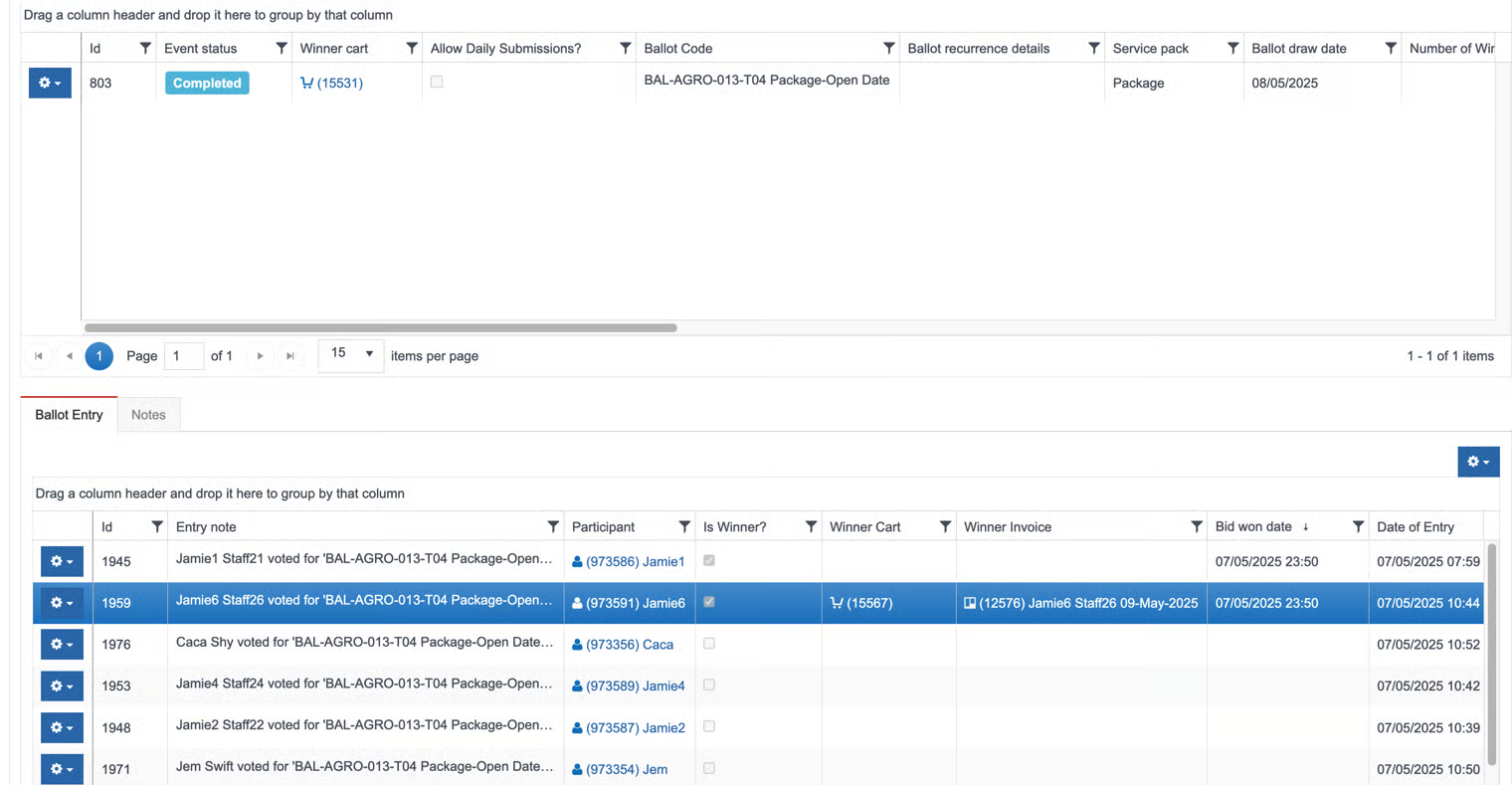
🏆 Package - Open Date
🏆 Package - Open Date
Package with Open Date prize.
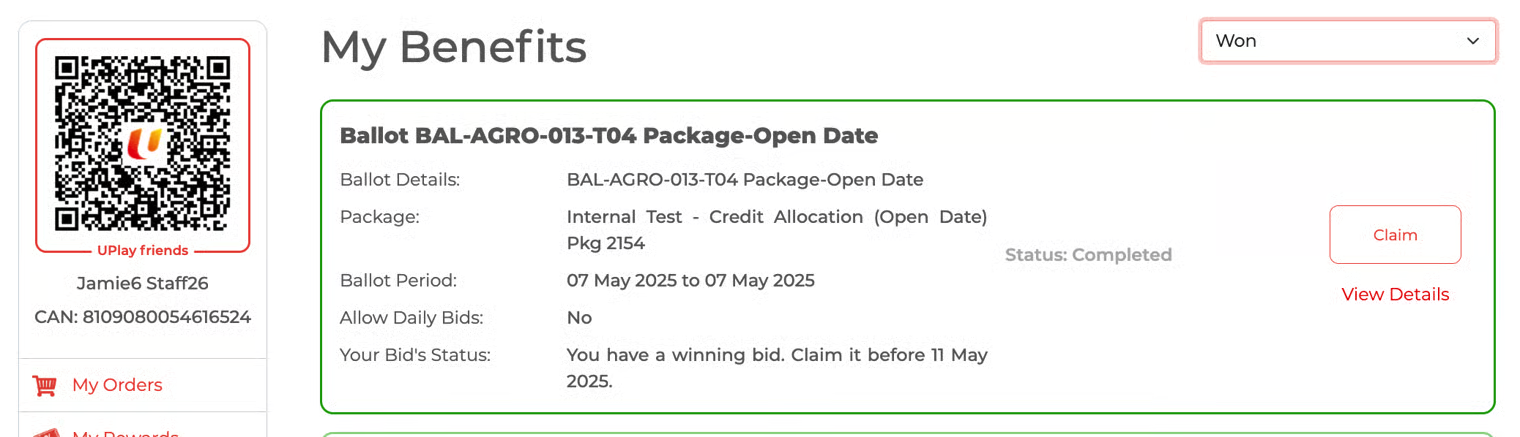
Click the 'Claim' button
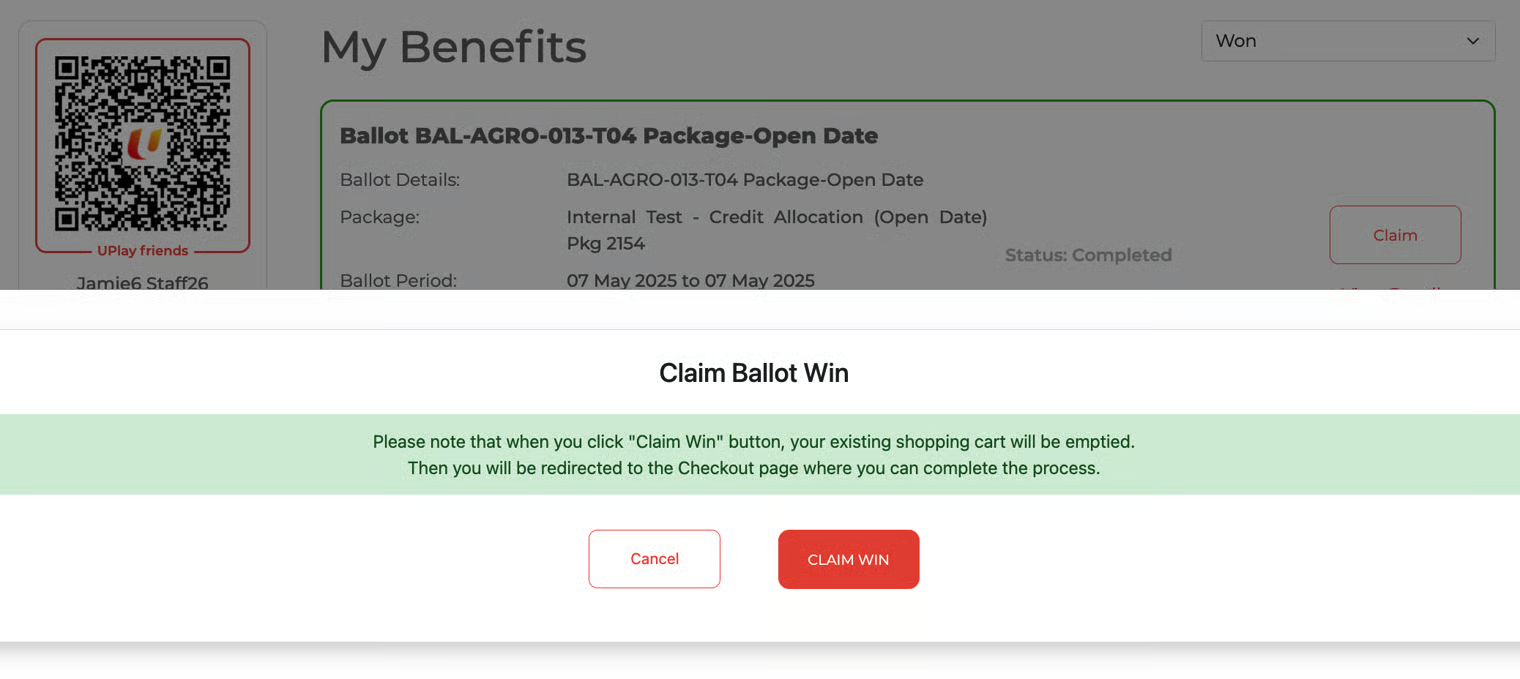
Click the 'Claim Win' button.
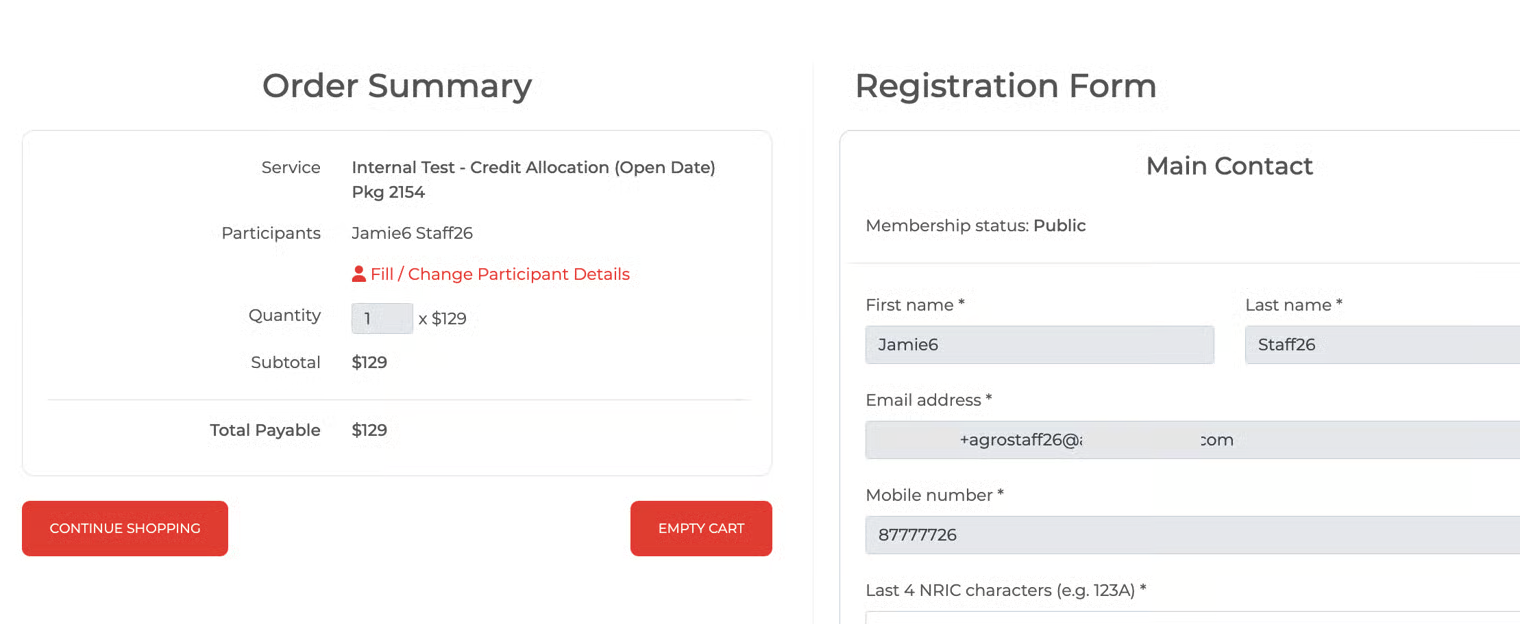
The winner will be brought to the Order Summary page. Click 'Pay Now' to make payment.
Update payment information and click 'Pay'.
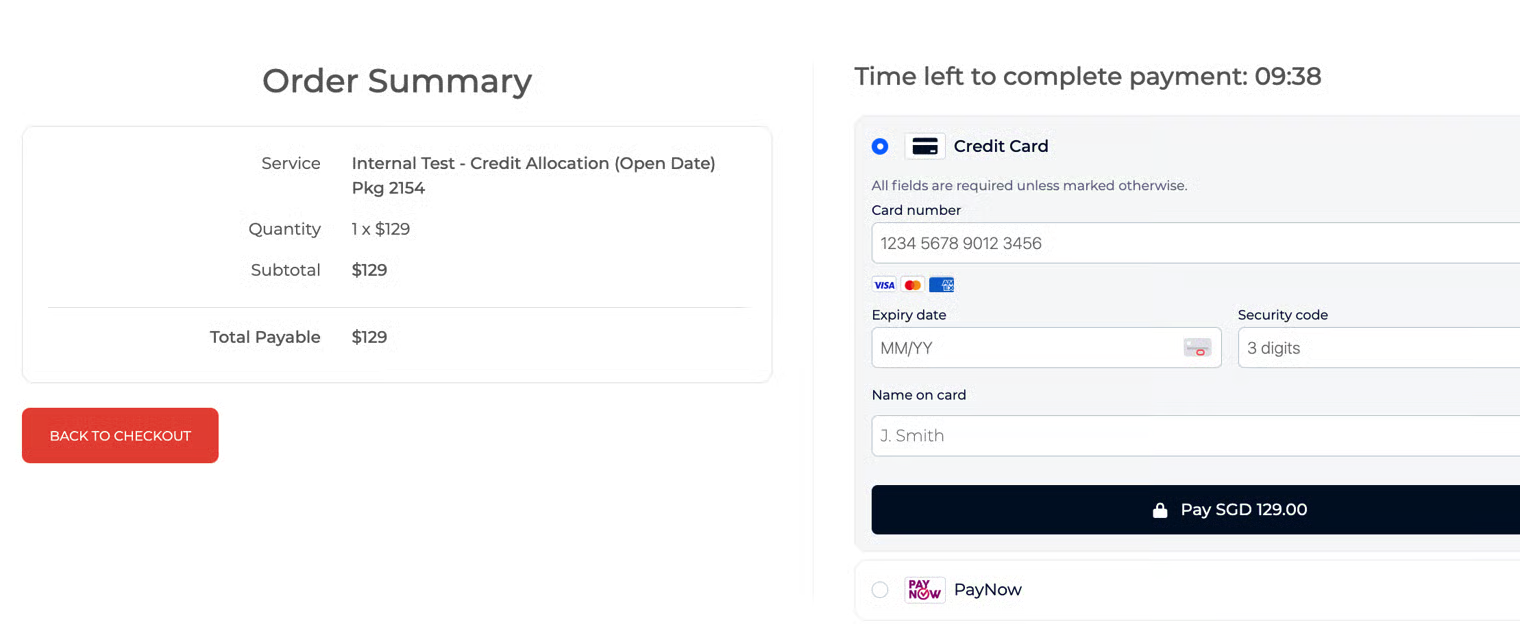
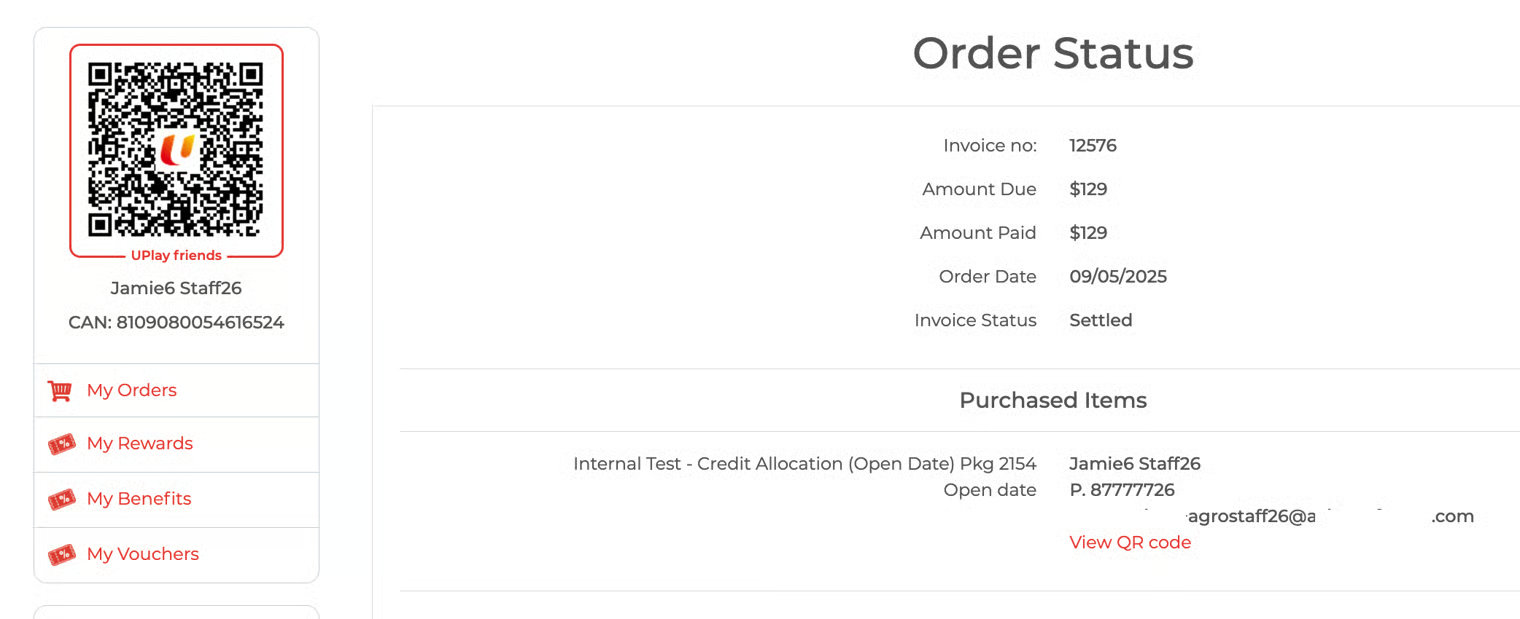
Payment successful, Invoice ID is updated.
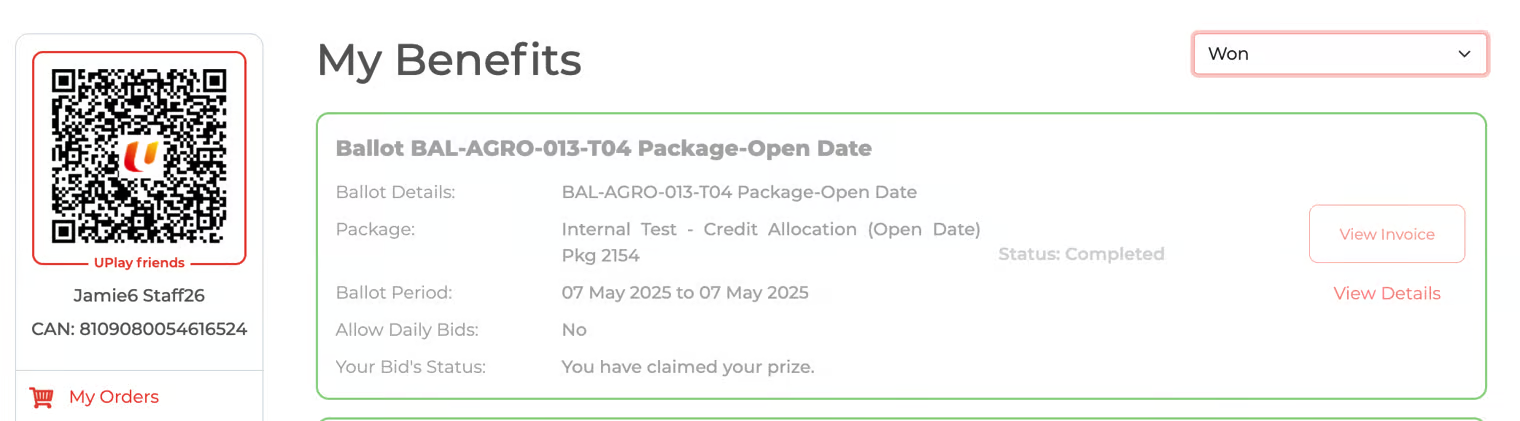
The winner returns to the My Benefits page.
The 'View Invoice' button is updated on the claimed prize ballot.
'Your Bid's Status' = You have claimed your prize.
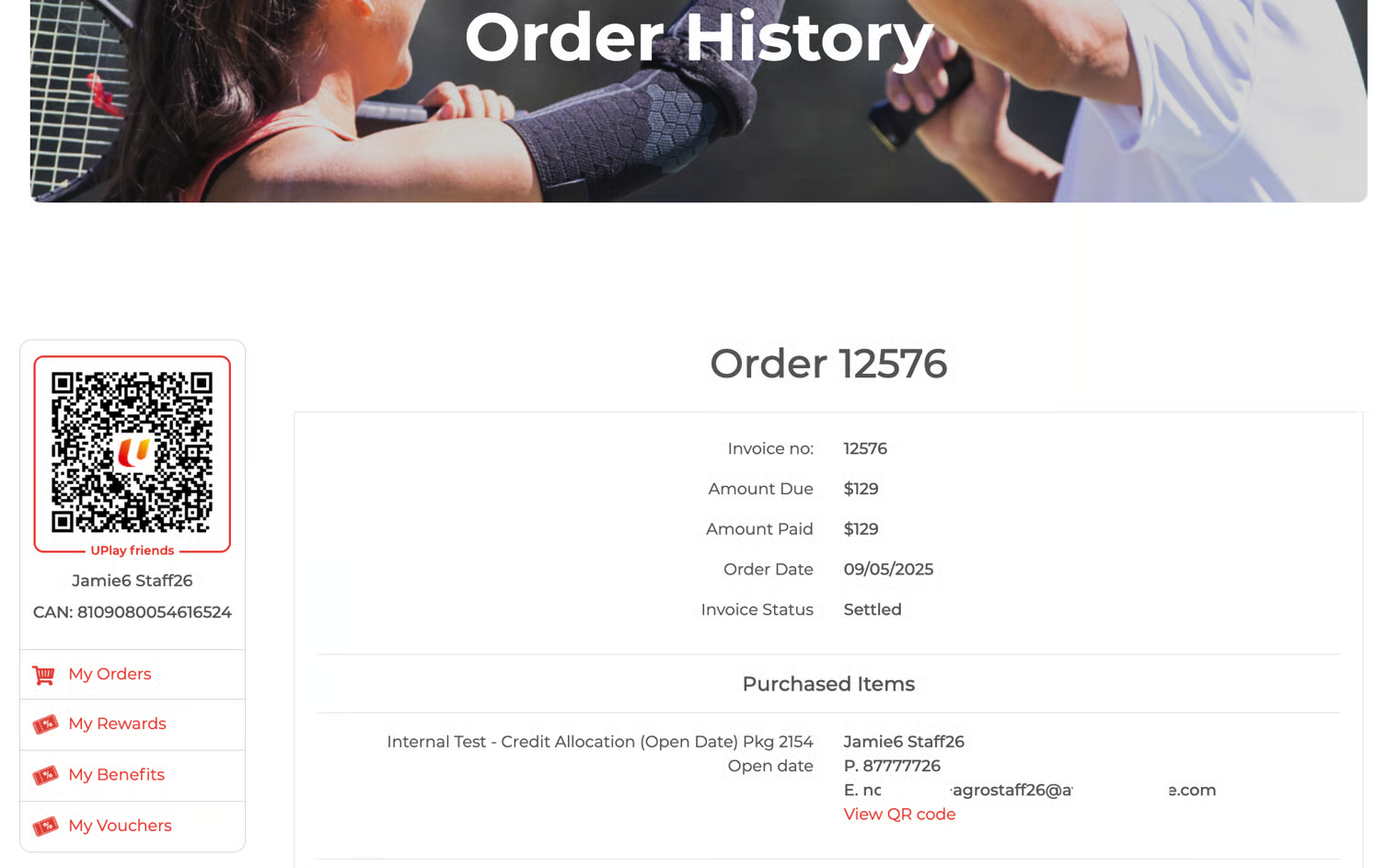
Click the 'View Invoice' button; the winner will be brought to the Order History page.
B2B's updated page
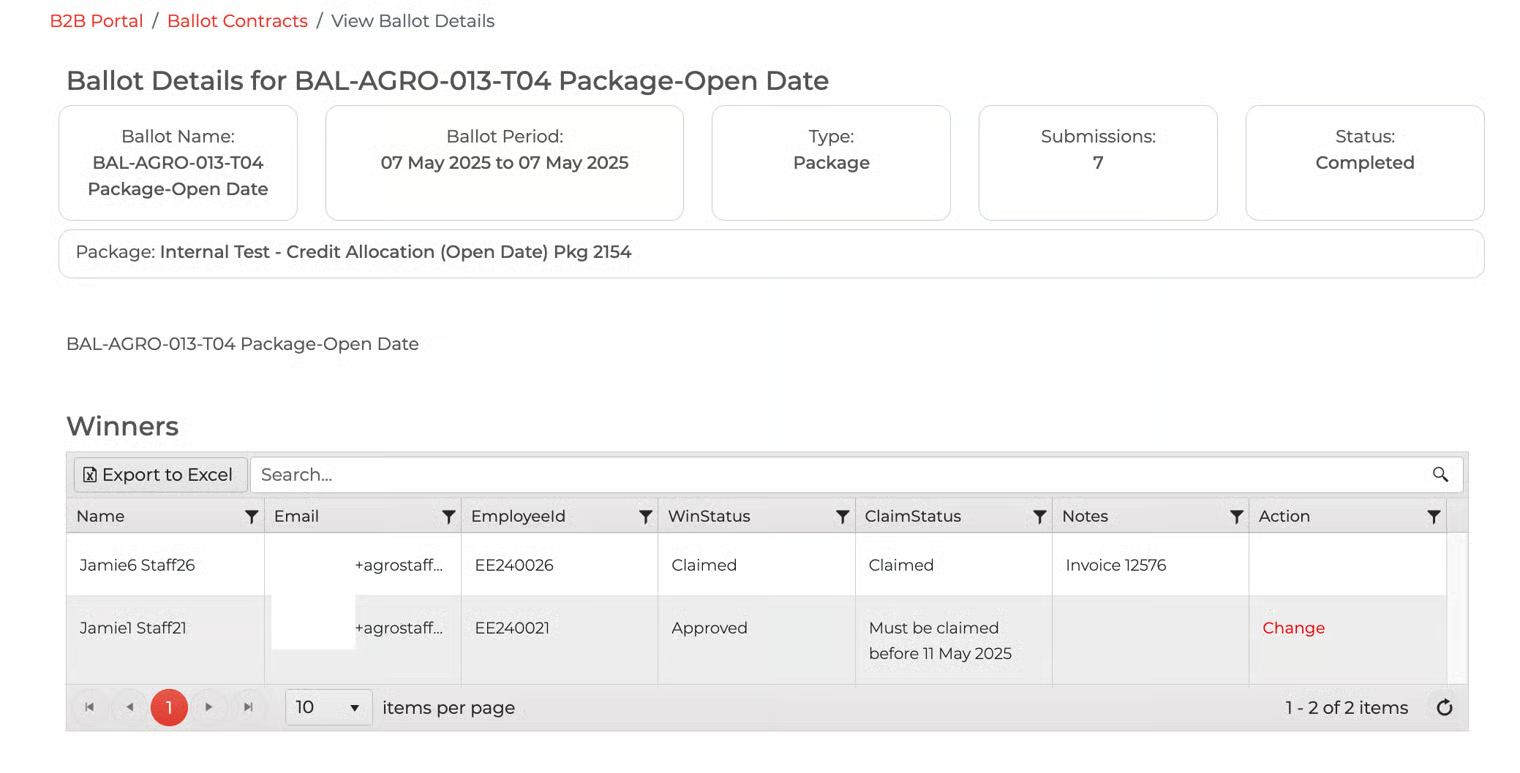
Avalon's updated page